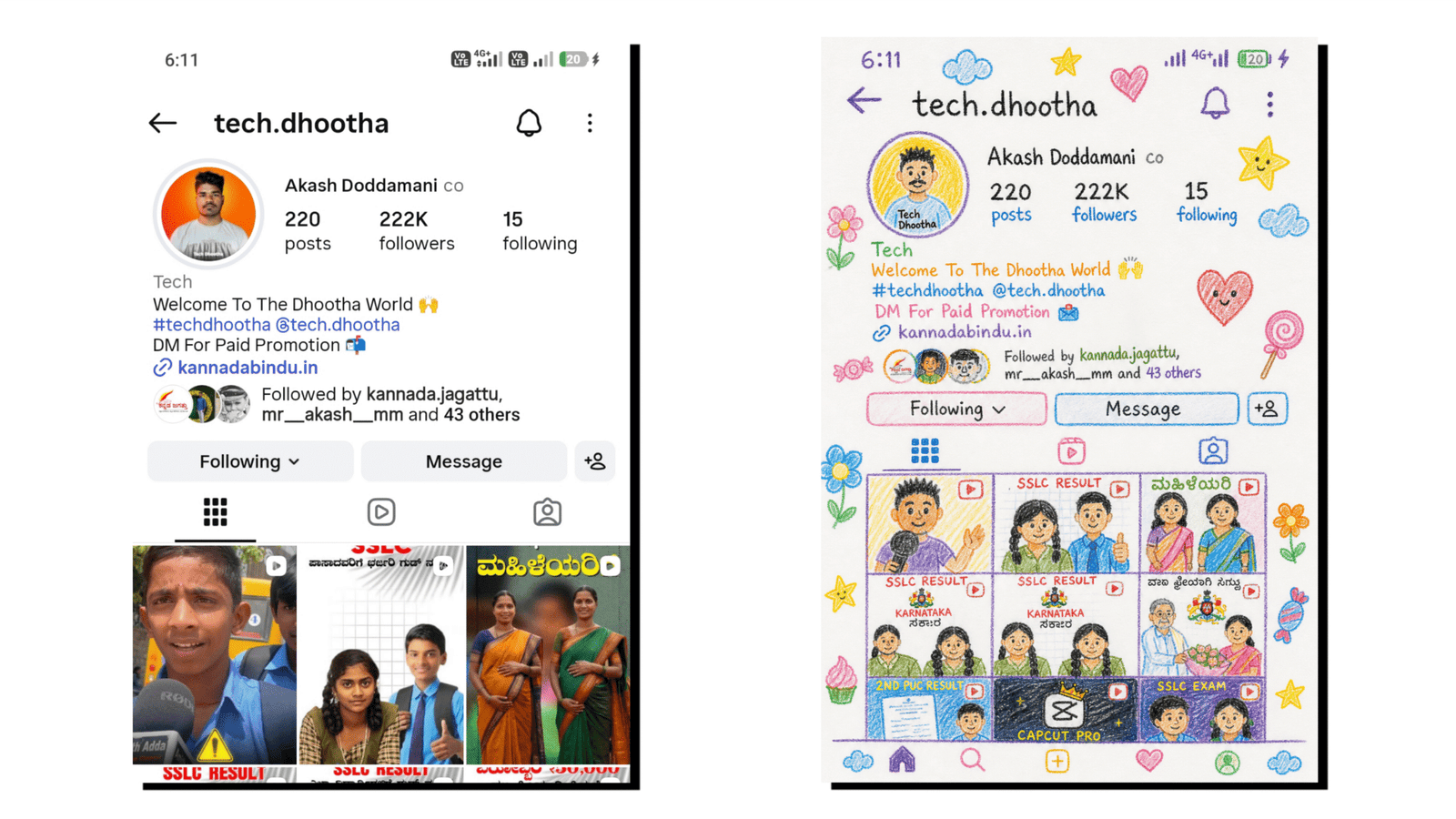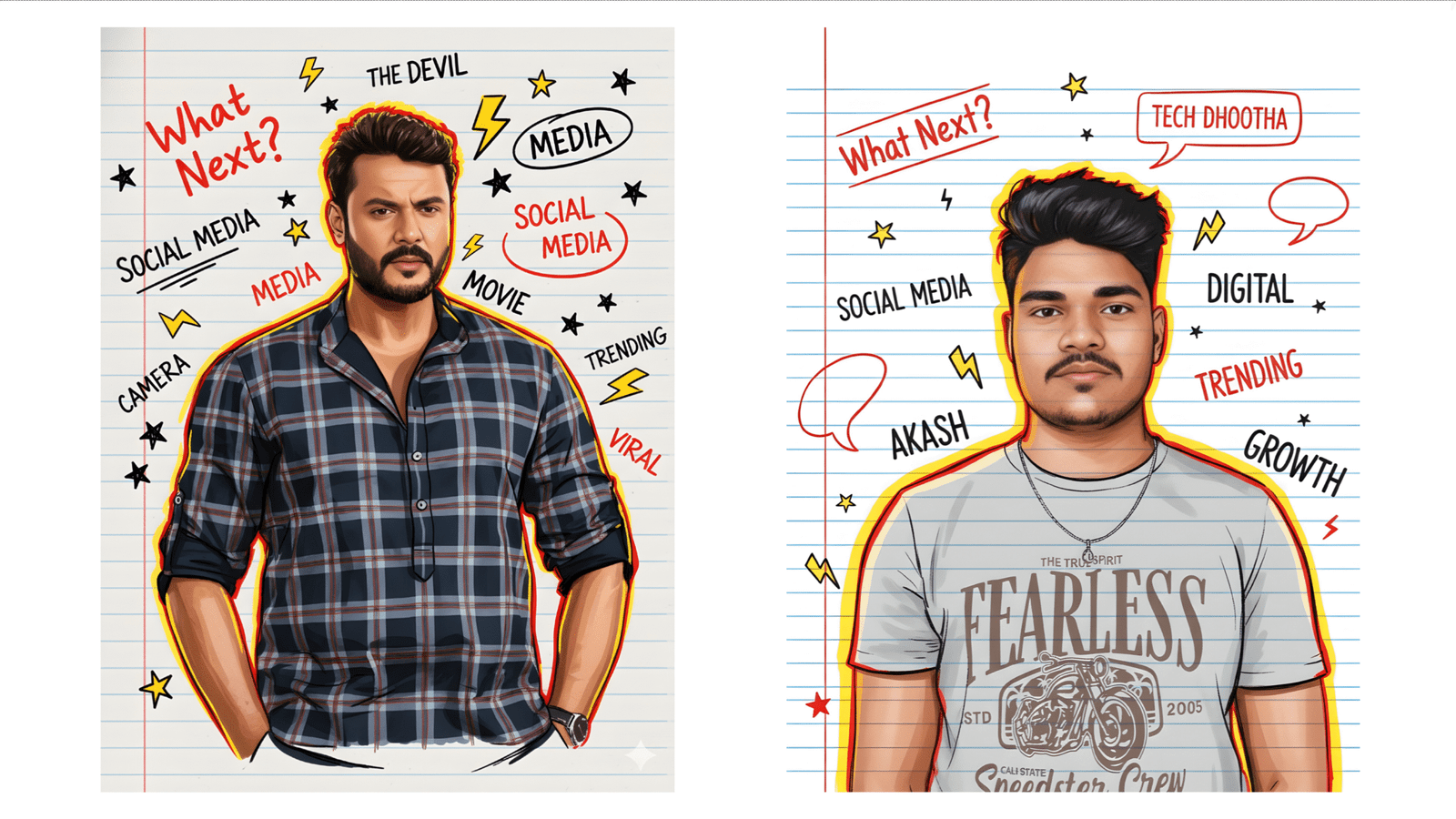
Creating trending Google Gemini drawing images has become one of the hottest topics among content creators, digital artists, and social media enthusiasts. With the power of AI, anyone can produce eye-catching, creative, and highly shareable artwork in just a few seconds. In this guide, you will learn how Google Gemini image generation works, how to create trending AI drawings, and how to use them effectively for your brand or content.
Introduction
AI-generated images are transforming the digital world. Whether it is festival posters, artistic sketches, promotional graphics, or social media creatives, Google Gemini makes it extremely easy to generate stunning visuals. All you need is an idea, a prompt, and a little creativity. This article explains, step by step, how to create your own trending Google Gemini drawing images and make them stand out online.
What Is Google Gemini Drawing Image Creation?
Google Gemini is an advanced AI model developed by Google that can understand prompts and generate high-quality images based on your description. It works similar to other AI image generators but offers more accuracy, better visual clarity, and a wide range of artistic styles.
Why It’s Trending
- It creates professional-level artwork in seconds
- No design skills required
- Perfect for social media trends
- Helps bloggers and YouTubers create thumbnails
- Useful for festival wishes, marketing posters, and custom branding
How to Create a Trending Google Gemini Drawing Image
1. Choose a Clear and Creative Prompt
Prompts are the most important part of Google Gemini image creation. A strong prompt helps Gemini understand the style, color, mood, and details you want.
Example prompts:
- Watercolor village house drawing
- Hyper-realistic portrait sketch of a young girl
- Festival theme Google Gemini creative poster
- Minimalist line art of nature scene
2. Open Google Gemini and Select Image Generation Mode
Once you enter Google Gemini, select the tool for image creation. Here, you can type your prompt and choose drawing styles like:
- Sketch drawing
- Cartoon style
- Watercolor painting
- Pencil art
- Digital artwork
3. Customize the Output
You can refine your results by adding details such as:
- Lighting effects
- Background elements
- Color themes
- Artistic texture
4. Download and Edit
After generating the drawings
- Download the image in high quality
- Use editing apps like Canva, Snapseed, or Pixellab
- Add text, filters, borders, or shadows
- Make it suitable for reels, thumbnails, or posters
Tips to Make Your Google Gemini Images Go Viral
Keep It Simple Yet Unique
Simple visuals with a strong concept often go viral faster than overly complicated designs.
Follow Current Trends
Keep an eye on trending festivals, events, and meme formats. Create images based on what people are currently searching for.
Use SEO-Friendly File Names
Rename your image before uploading:
Example:
google-gemini-drawing-village-art.jpg
Stay Consistent in Style
If you are building a brand, using similar colors, styles, and layouts will help you stand out.
Best Prompts for Trending Gemini Drawing Images
- Traditional Indian festival theme illustration
- Emotional pencil sketch of a family moment
- Realistic scenery art with warm tones
- Modern digital poster for social media
- Cute cartoon character with vibrant colors
FAQs
1. Is Google Gemini free to use?
Yes, Google Gemini offers free access for basic image creation, though advanced features may require an upgrade.
2. Can I use Gemini images for commercial purposes?
In most cases, yes. However, always check Google’s latest usage guidelines.
3. What makes an image go viral?
Timing, creativity, originality, and relevance to trending topics help images gain maximum reach.
4. Do I need design skills to use Google Gemini?
No. The tool is built for everyone, from beginners to professionals.
Conclusion
Google Gemini drawing image creation has unlocked unlimited possibilities for artists, influencers, business owners, and content creators. With just a few lines of prompts, you can generate striking visuals that capture attention and boost engagement. Whether you want to create festival posters, artistic sketches, or trendy social media graphics, Gemini gives you the power to turn ideas into visuals instantly. Use this guide to craft unique, high-quality AI drawings and stay ahead in the digital creative space.
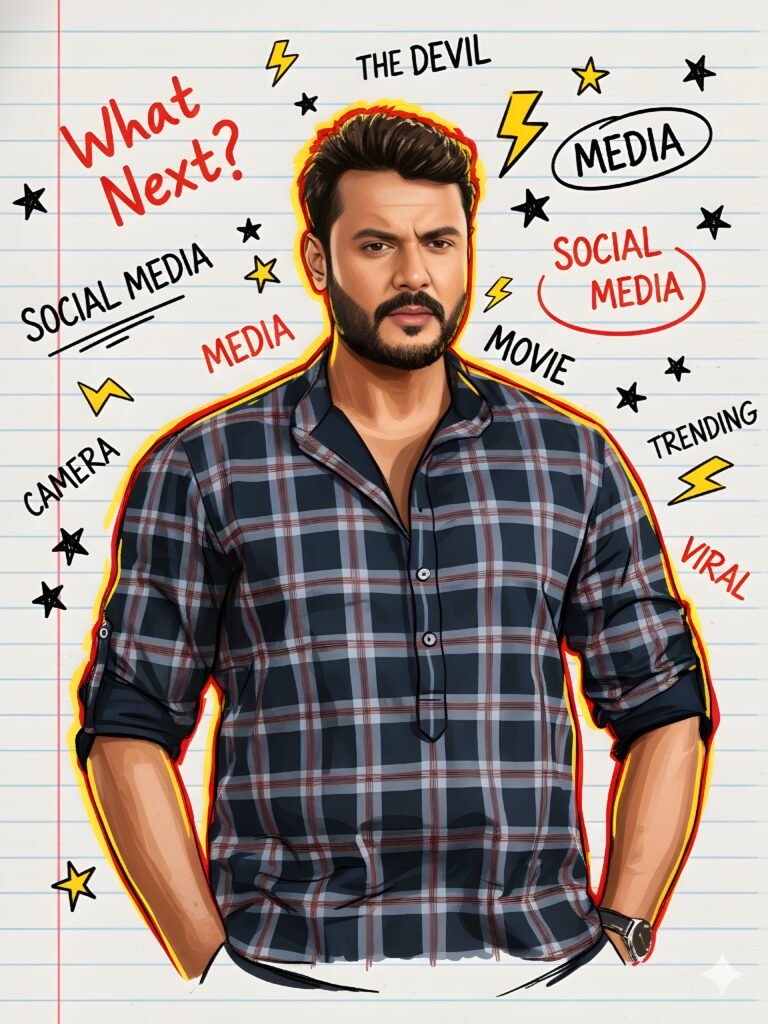
Boys:

A uploaded image stylized digital illustration of a confident A man in a drawn in a sketchbook style with red and yellow hand-drawn outlines. The background resembles ruled notebook paper with doodles, stars, lightning icons, and handwritten words such as “What Next?”, “TD”, “Social Media”, “Digital”, “Camera”, “Business”, “Editing”, “Strategies”, and “Shoot”. The art style mixes realistic portrait detailing with loose, energetic marker strokes, giving a dynamic, creative, and motivational vibe. Vibrant red and yellow accents highlight the figure and text, creating a modern, youthful, and inspirational design.


Woman:

A uploaded image stylized digital illustration of a confident woman in a drawn in a sketchbook style with red and yellow hand-drawn outlines. The background resembles ruled notebook paper with doodles, stars, lightning icons, and handwritten words such as “What Next?”, “TD”, “Social Media”, “Digital”, “Camera”, “Business”, “Editing”, “Strategies”, and “Shoot”. The art style mixes realistic portrait detailing with loose, energetic marker strokes, giving a dynamic, creative, and motivational vibe. Vibrant red and yellow accents highlight the figure and text, creating a modern, youthful, and inspirational design.