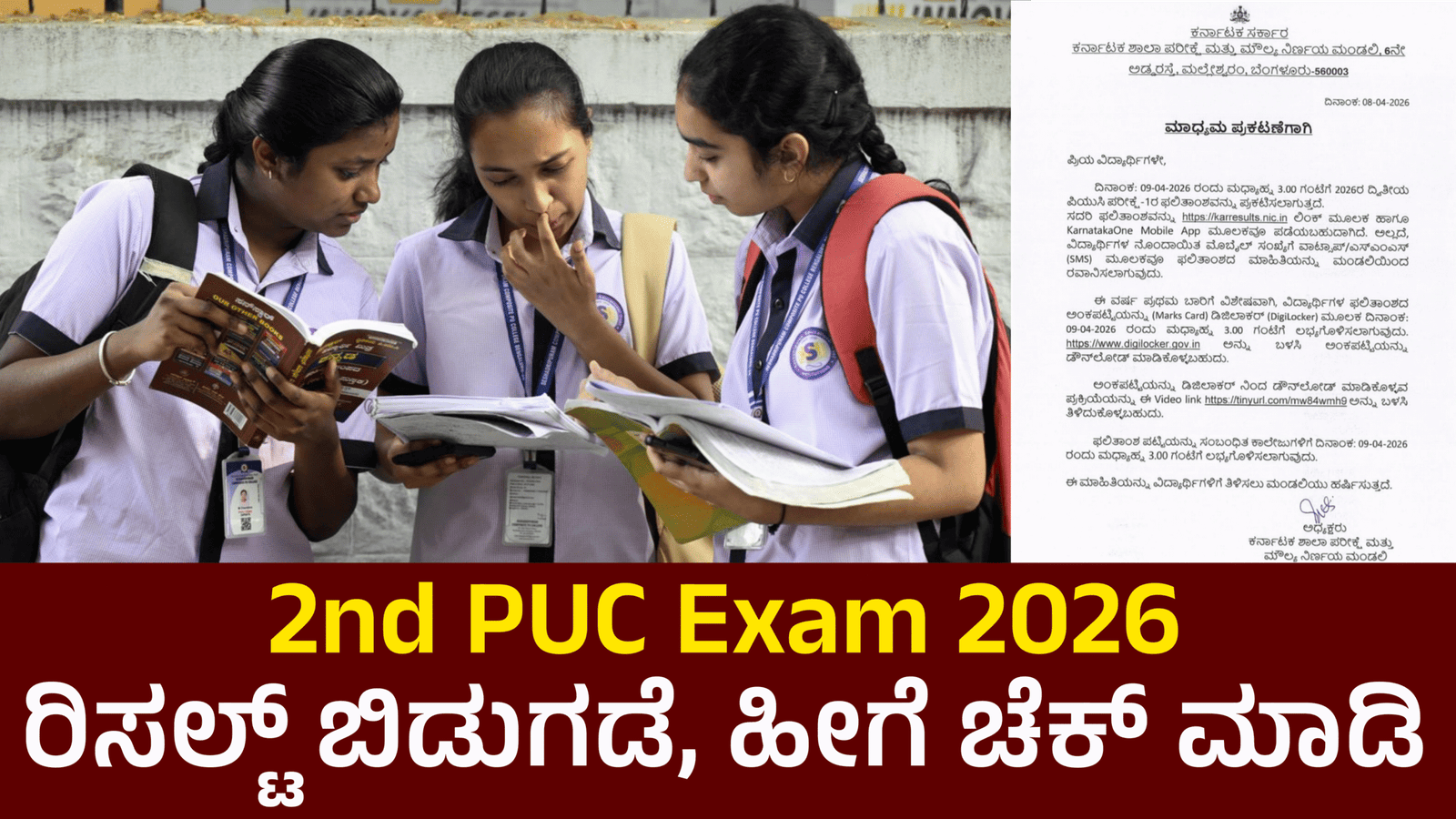
The Karnataka 2nd PUC (Pre-University Course) Exam Result 2026 is one of the most awaited announcements for students across the state. Conducted by the Karnataka School Examination and Assessment Board, these results play a crucial role in shaping students’ academic and career paths. Thanks to digital access, checking your result on a mobile phone has become quick and convenient. Here is a complete step-by-step guide to help you check your result easily without any confusion.
Official Websites to Check Results
To ensure accuracy and safety, always use official government websites. The most reliable portals include:
- karresults.nic.in
- kseab.karnataka.gov.in
These websites are optimized for mobile use, so you don’t need a computer.
Step-by-Step Process to Check Result on Mobile
First, open any browser on your smartphone such as Google Chrome or Mozilla Firefox. Make sure your internet connection is stable to avoid loading issues.
Next, type the official result website URL (karresults.nic.in) in the address bar and open it. Once the homepage loads, look for the link that says “Karnataka 2nd PUC Result 2026.” This link is usually highlighted on the homepage during result time.
After clicking the link, you will be redirected to a new page where you need to enter your registration number and date of birth.
Now, click on the “Submit” button. Within a few seconds, your result will appear on the screen. You can view your subject-wise marks, total score, and qualifying status.
How to Download or Save Result
Once your result is displayed, it is important to save a copy for future use. You can take a screenshot directly on your mobile by pressing the power and volume down buttons together. Alternatively, look for the “Download” or “Print” option on the page to save it as a PDF file.
Checking Result via SMS (Alternative Method)
In case the website is slow due to heavy traffic, you can also check your result via SMS. Type your registration number in the required format and send it to the official result SMS number provided by the board. You will receive your result as a text message within a few minutes.
Important Tips for Students
Always keep your hall ticket ready before checking the result, as it contains essential details like your registration number. Avoid using unofficial websites or apps, as they may provide incorrect information or misuse your data.
If the website is not loading, do not panic. Try refreshing the page after some time or check during non-peak hours. Also, remember that the online result is provisional. You will need to collect the original marks card from your college later.
Final Thoughts
Checking the Karnataka 2nd PUC Exam Result 2026 on a mobile phone is simple, fast, and user-friendly. By following the steps above, you can access your result within minutes without any technical difficulty. Stay calm, verify your details carefully, and download your result for future reference. This marks an important milestone in your academic journey, so take your next steps wisely based on your performance.