Artificial Intelligence is transforming the way videos are created, and one of the hottest trends today is AI Cinematic Style Video Creation. Whether you’re a content creator, filmmaker, marketer, or simply someone who loves experimenting with visuals, this trend makes it possible to produce high-quality cinematic videos with minimal effort. In this blog post, you’ll learn what the trend is all about, how it works, and how you can create your own AI-powered cinematic videos—even without professional editing skills.
What Is the AI Cinematic Style Video Trend?
The AI Cinematic Style Video trend refers to the use of artificial intelligence tools to create visually stunning videos that look like they were shot with professional cameras and movie-level lighting. These tools generate dramatic effects, smooth camera movements, realistic scenes, and rich colors that mimic Hollywood-style cinematography.
This trend has exploded on social media platforms, especially YouTube Shorts, Instagram Reels, and TikTok, where creators use AI to turn simple images, text prompts, or short clips into high-quality cinematic visuals.
Why Is This Trend So Popular?
1. Easy and Beginner-Friendly
You don’t need filmmaking knowledge or expensive gear. AI tools handle most of the work.
2. High-Quality Output
Many AI video generators offer professional-grade lighting, motion, and color grading.
3. Extremely Fast Production
Videos that used to take hours to edit can now be made in minutes.
4. Creative Freedom
You can design any scene you imagine—fantasy, sci-fi, nature, travel, portraits, and more.
How to Create AI Cinematic Videos Step-by-Step
Step 1: Choose the Right AI Video Tool
Several platforms allow you to turn text, images, or clips into cinematic videos. Popular ones include:
- Runway Gen-2
- Pika Labs
- Sora-style tools
- CapCut AI Video Generator
- Kaiber AI
Pick a tool based on your needs—some are better for short cinematic clips, others for storytelling sequences.
Step 2: Write a Strong Prompt
Your prompt decides the style and quality of the output. Be specific.
Example Prompt:
“A cinematic slow-motion shot of a man walking through a foggy forest, soft golden lighting, shallow depth of field, dramatic atmosphere.”
Step 3: Choose Cinematic Settings
Many tools offer customizable effects like:
- Motion type
- Camera angle
- Color tone
- Frame rate
- Lighting style
Experiment to find the best combination for your video.
Step 4: Generate and Refine
Let the AI generate your video.
If the output isn’t perfect, refine your prompt or adjust settings.
Step 5: Edit for Better Impact
After generating the video, use tools like CapCut or VN Editor to:
- Add sound effects
- Apply cinematic background music
- Add text overlays
- Adjust brightness and contrast
Tips for Making Your AI Cinematic Videos Stand Out
1. Use Short Clips
AI performs best when generating 2–5 second shots.
2. Add Smooth Transitions
This will give your video a professional and polished feel.
3. Use Cinematic Color Grading
Warm tones, teal-orange, or film-style filters work great.
4. Maintain Consistent Style
If you’re creating multiple scenes, keep them visually consistent.
FAQs
1. Do I need advanced editing skills to create AI cinematic videos?
No. AI tools simplify the entire process, making it easy for beginners.
2. Are these videos suitable for social media?
Yes. Many creators use AI cinematic clips for Reels, Shorts, and TikTok content.
3. Can AI create long cinematic videos?
Most tools work best for short clips, but you can combine multiple AI shots to create longer sequences.
4. Is it expensive to create AI videos?
Some tools are free, while others offer paid plans for higher-quality results.
Conclusion
The AI Cinematic Style Video Create Trend is revolutionizing digital storytelling. With user-friendly tools, powerful AI technology, and endless creative possibilities, anyone can produce cinematic-quality videos without professional skills or expensive equipment. Whether you’re building content for entertainment, marketing, or personal projects, this trend opens the door to a whole new world of creative expression. Use the tips and steps above to start creating stunning cinematic videos today.
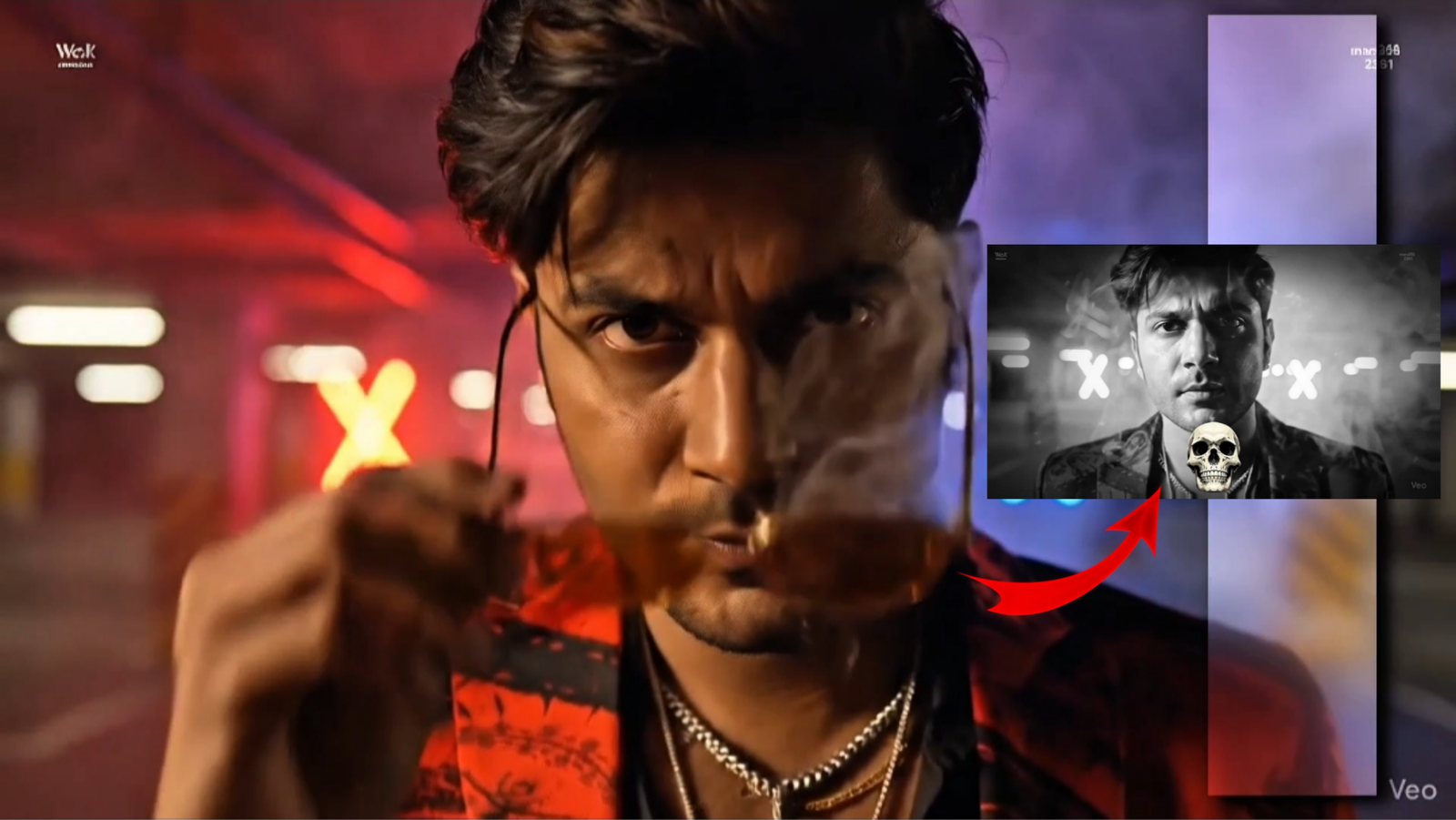
Prompt:

A moody, cinematic 8-second video shot in 2.35:1 ultra-wide ratio. A stylish young man in a black jacket walks slowly toward the camera in a neon-lit underground parking lot. Red and blue lights from a nearby car flash and smoke drifts across the frame. As he gets closer, he lowers his sunglasses, looks directly into the camera, and gives a slight smirk.

Details:
Lighting: Harsh, stylized side lighting with deep shadows and neon bounce for rich contrast and cinematic tones. smoky
Camera Movement: A slow dolly-in with subtle handheld shake to create a raw, modern edge