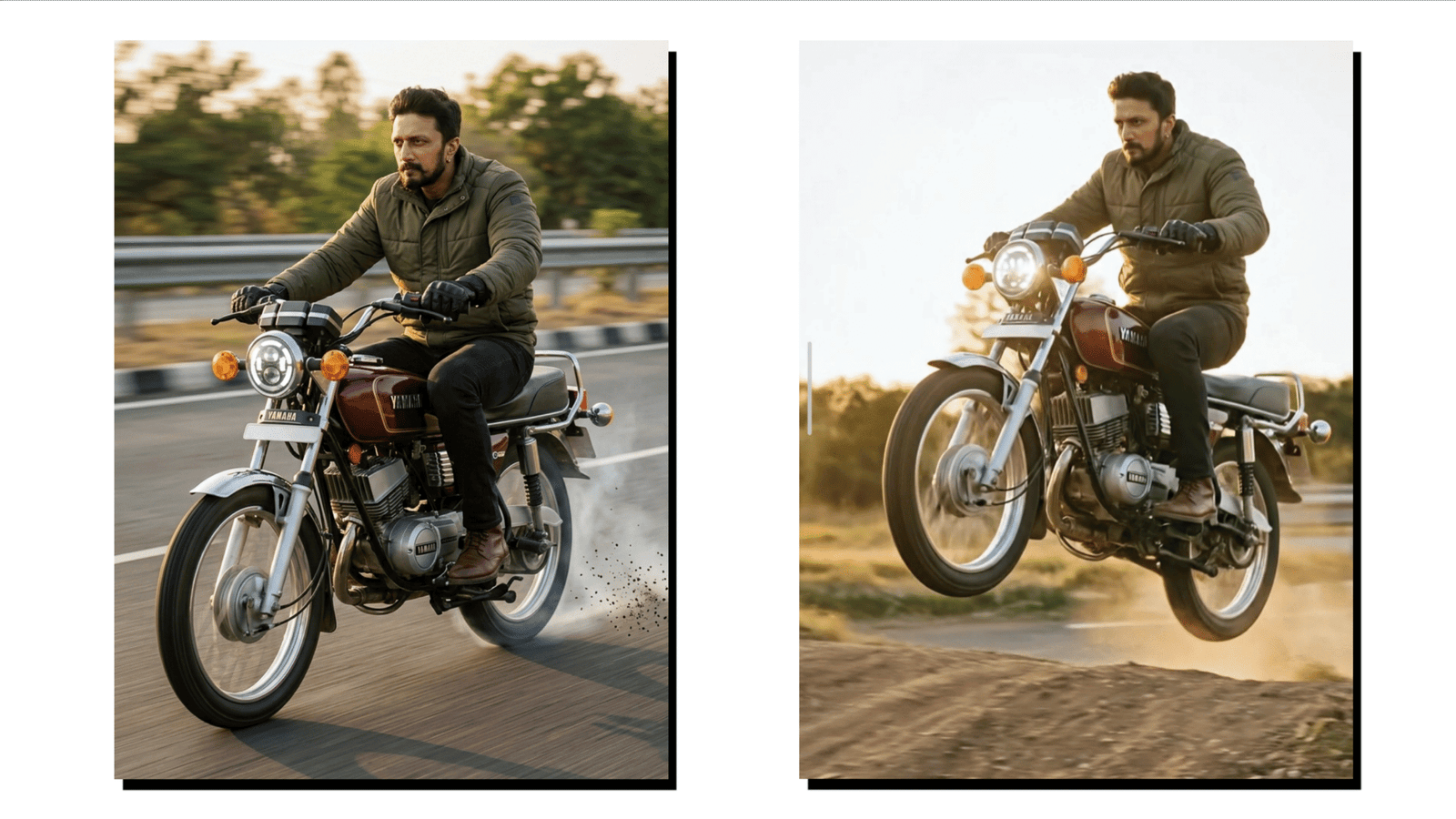
Artificial Intelligence is transforming the way digital content is created. Today, creators do not always need expensive cameras or complex software to produce exciting videos. With the help of AI tools, it is possible to generate creative video ideas, scenes, and concepts using simple text prompts. One of the most popular tools for this purpose is Google Gemini. Many content creators are now using it to create trending AI bike racing videos that perform well on platforms like YouTube Shorts, Instagram Reels, and TikTok.
In this blog post, you will learn how to create a trending AI bike racing video using prompts on Google Gemini in a simple step-by-step method.
What is Google Gemini?
Google Gemini is an advanced AI tool developed by Google that helps users generate creative content using text prompts. It can produce ideas, scripts, descriptions, and scene concepts that can later be used to create images or videos. For video creators, Gemini works as a powerful assistant that helps design unique video scenes and storytelling ideas.
Many creators use Gemini to generate concepts for cinematic videos such as racing scenes, futuristic vehicles, action clips, and animation ideas. With the right prompt, the AI can create highly detailed descriptions that help you produce professional-looking content.
Step 1: Open Google Gemini
The first step is to open the Google Gemini website or mobile application. After opening the platform, sign in using your Google account. Once you log in, you will see a chat interface where you can type your prompts.
This prompt box is where you tell the AI what type of video concept you want to create. The more detailed your prompt is, the better the result will be.
Step 2: Write a Powerful AI Prompt
A prompt is a text instruction that guides the AI to generate a specific type of content. When creating a bike racing video, the prompt should describe the bike, environment, camera angle, lighting, and speed effect.
Example prompt:
“Create a cinematic bike racing scene with a powerful sports motorcycle racing on a mountain highway at sunset, dramatic lighting, motion blur, dust particles, action camera angle, and ultra realistic style.”
This type of detailed prompt helps Gemini understand the scene clearly and produce better results.
Step 3: Generate Scene Ideas
After entering the prompt, Gemini will generate creative ideas or descriptions for the racing video. You can ask it to create multiple scenes for a complete short video.
For example, you can generate scenes like:
- A bike starting at the racing line
- High-speed road racing with camera tracking shots
- Close-up view of spinning wheels
- A final victory scene with dramatic lighting
These scenes will help you build a short cinematic story for your racing video.
Step 4: Convert Scenes Into Video
Once you have the scene ideas, you can convert them into visuals using AI image or video tools. Many creators generate images for each scene and combine them using video editing applications such as CapCut or VN Editor.
Add smooth transitions between scenes so the video looks dynamic and professional.
Step 5: Add Music and Effects
To make your AI bike racing video more engaging, add energetic background music and sound effects. Racing videos look more exciting when you include engine sounds, wind effects, and fast transitions.
Trending background music can also help increase the chances of your video going viral on social media platforms.
Step 6: Export and Upload the Video
After editing, export the video in high quality. It is recommended to use a vertical format because most short video platforms support a 9:16 aspect ratio.
Upload your video to platforms such as YouTube Shorts, Instagram Reels, or TikTok. Use trending hashtags related to bike racing, AI videos, and cinematic content to reach a larger audience.
Final Thoughts
Creating trending AI bike racing videos using Google Gemini is easy when you know how to write detailed prompts and organize your scenes properly. AI tools make content creation faster and allow anyone to produce cinematic videos without advanced editing skills.
By combining creative prompts, strong visuals, and energetic music, you can create exciting racing videos that capture viewer attention and perform well on modern social media platforms. As AI technology continues to grow, content creators will have even more opportunities to turn simple ideas into impressive digital videos.