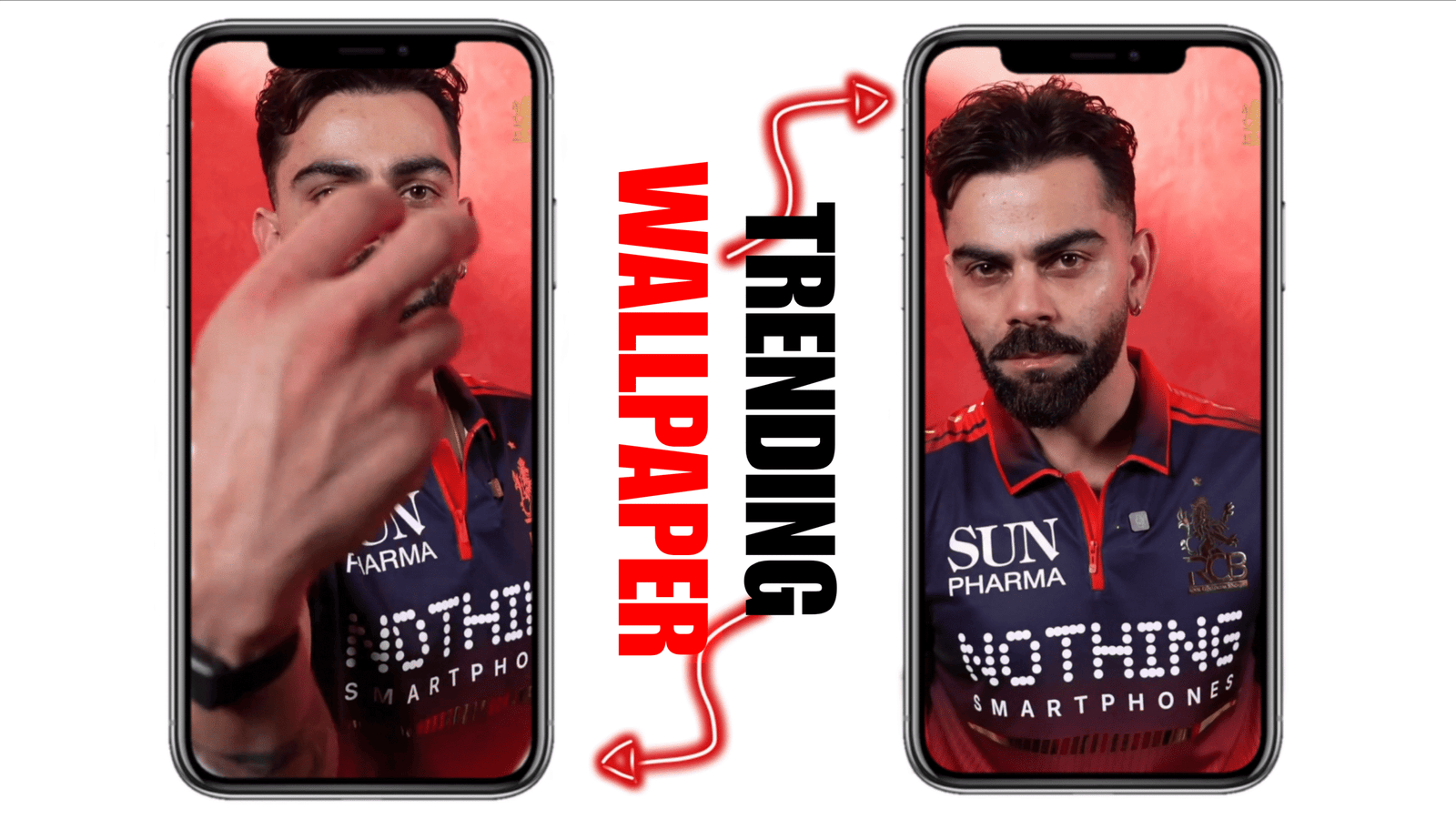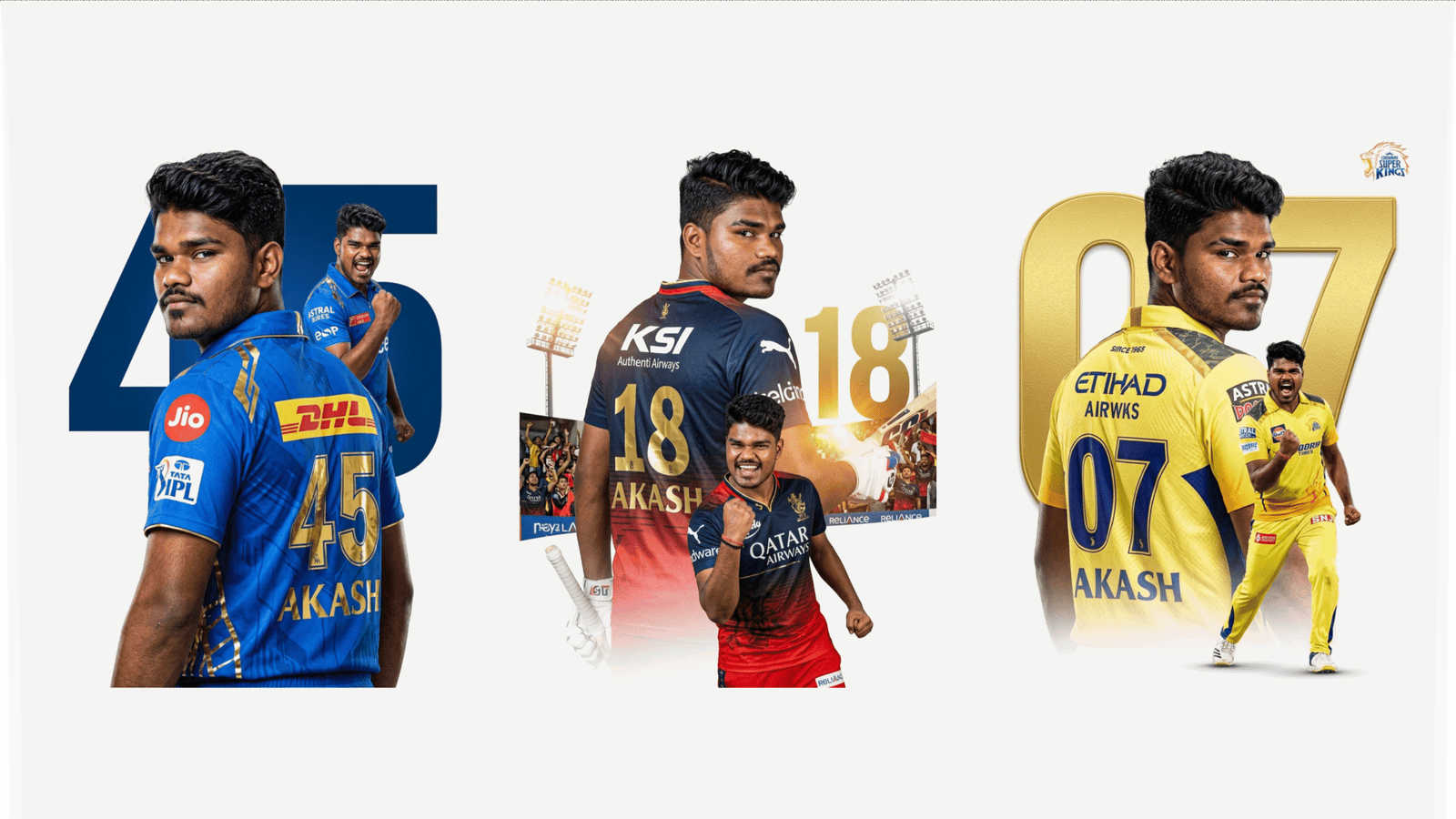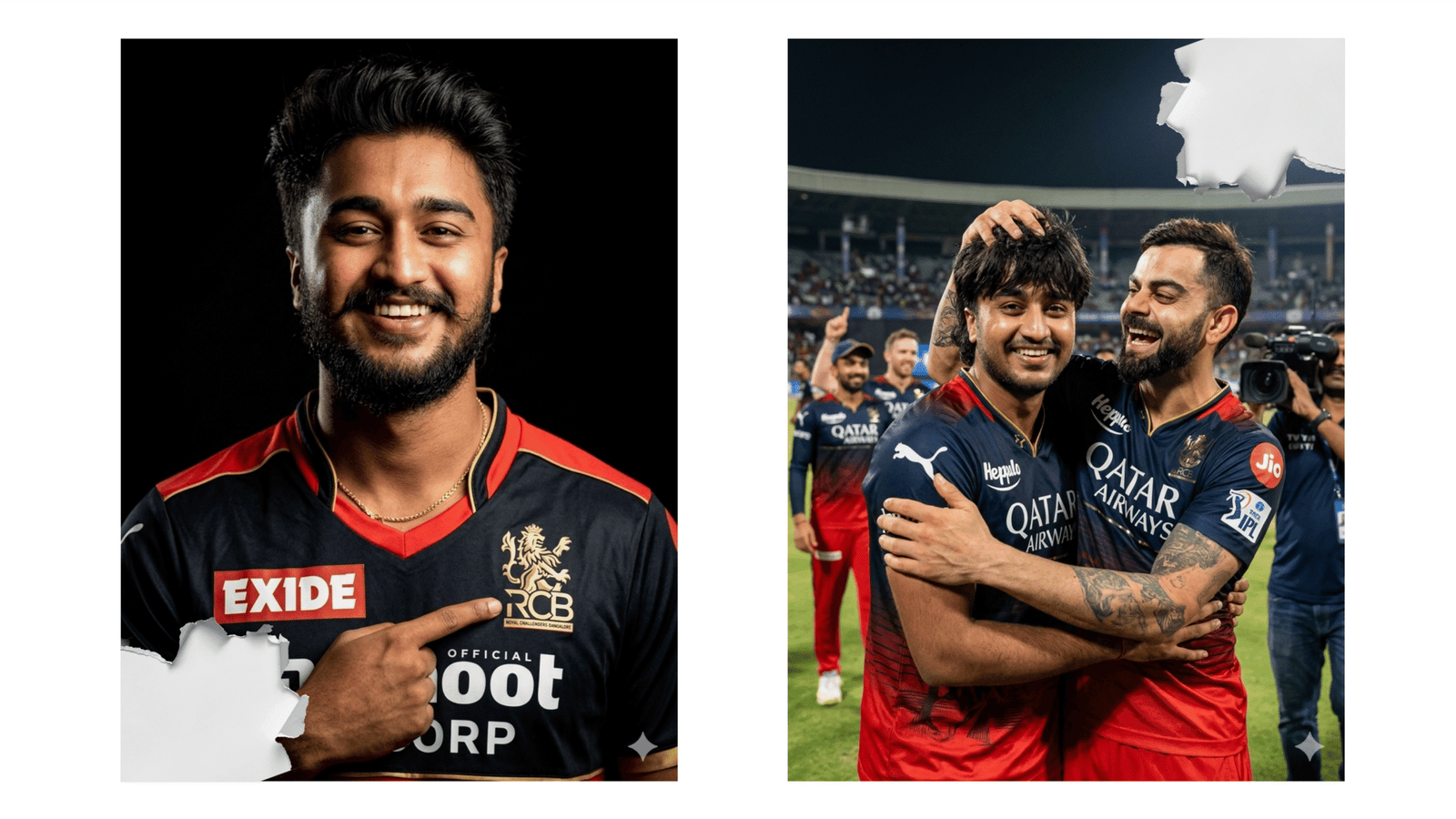
Creating trending Royal Challengers Bengaluru (RCB) themed AI images has become a viral trend among cricket fans, especially during the IPL season. With the help of advanced AI tools like Google Gemini, anyone can generate stunning, high-quality images featuring their favorite team and players such as Virat Kohli. In this guide, you’ll learn how to create eye-catching RCB AI images using simple prompts and creative ideas.
What is Google Gemini AI?
Google Gemini is a powerful AI platform developed by Google that allows users to generate text, images, and creative content using prompts. It works similarly to other AI tools but stands out due to its fast processing and realistic outputs. You can use it on your mobile or desktop without needing advanced technical skills.
Step-by-Step Process to Create RCB AI Images
- Open Google Gemini
First, visit the official Gemini website or open the Gemini app on your mobile device. Sign in using your Google account. - Select Image Generation Option
Once logged in, choose the image generation feature. This allows you to enter prompts and create visuals instantly. - Write a Trending Prompt
The most important part is your prompt. A good prompt gives clear instructions about what you want. Here are some trending RCB prompt examples:
- “Create a cinematic poster of Virat Kohli in RCB jersey, standing in a stadium with red and black lighting, ultra HD, dramatic style.”
- “RCB team players celebrating victory in IPL, realistic style, glowing lights, 4K resolution.”
- “Virat Kohli with fire background wearing RCB jersey, powerful look, fantasy art style.”
- Customize Your Prompt
You can add extra details like lighting, background, camera angle, and style (realistic, anime, cinematic, etc.) to make your image unique. - Generate and Download Image
After entering the prompt, click on generate. Within seconds, your AI image will be ready. Download it in high quality and use it for wallpapers, social media posts, or edits.
Tips to Make Your Image Go Viral
- Use trending keywords like “cinematic,” “4K,” “hyper-realistic,” and “dramatic lighting.”
- Focus on popular players like Virat Kohli to attract attention.
- Add unique elements like fire, stadium lights, or fantasy effects.
- Experiment with different styles to stand out from others.
Why RCB AI Images Are Trending
RCB has a massive fan base, and fans love creating creative content around their favorite team. AI-generated images give a professional look without needing editing skills. This is why such images quickly go viral on platforms like Instagram and WhatsApp.
Conclusion
Creating trending RCB AI images using Google Gemini is simple, fast, and highly creative. With the right prompt and a bit of imagination, you can design stunning visuals that grab attention instantly. Whether you’re a cricket fan or a content creator, this method is a great way to showcase your creativity and stay updated with the latest digital trends.
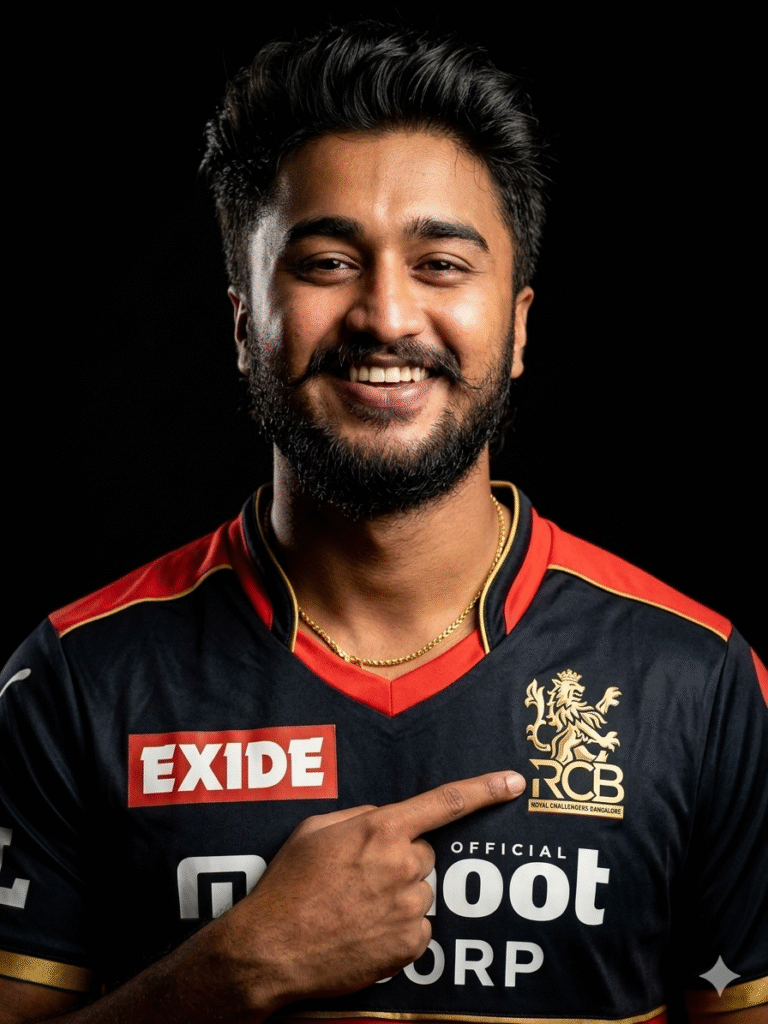
Ultra-realistic cinematic portrait of a confident Indian young man wearing an exact Royal Challengers Bangalore (RCB) official jersey (black & red gradient, RCB lion crest clearly visible on chest), standing against a pure black background. Medium close-up framing, subject facing camera with intense expression, styled hair. One hand raised pointing toward the RCB logo on chest. Dramatic low-key studio lighting from one side, high contrast shadows, sharp facial details, visible arm tattoos, realistic fabric texture, premium sports photoshoot style, 85mm lens, shallow depth of field, ultra-detailed, 8K. Generate image of me.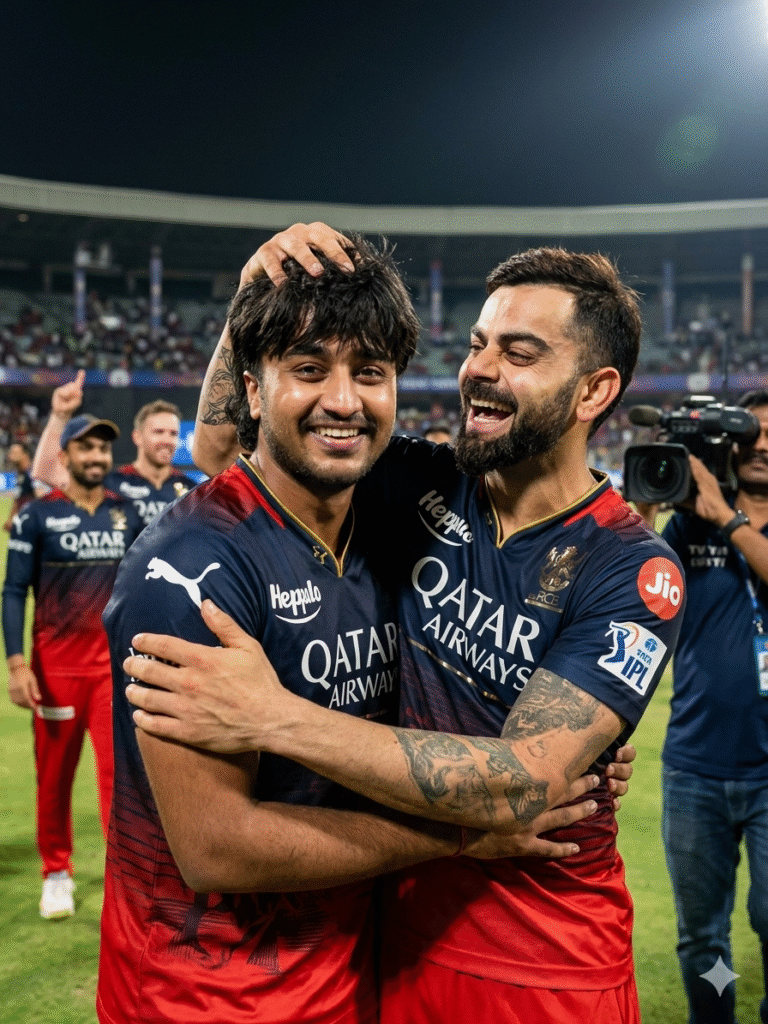
Create a realistic this picture photographs tian cricketers vira

polland 18 years old young man celebrating an IPL match victory. Kohli, on the right, is laughing joyfully-and playfully messing up a young man hair while hugging him. A young man with dark shaggy hair, is smiling brightly. Both are wearing the navy blue and red Royal Challengers Bangalore (RCB) jersey with the; Qatar Airways logo visible and looking towards the camera.

The background is a blurred cricket stadium at night with floodlights, other

teammates in the distance Vand a TV camera operator visible on the side, 8k resolution, cinematic lighting, emotional and candid moment." Face 100% match as reference image.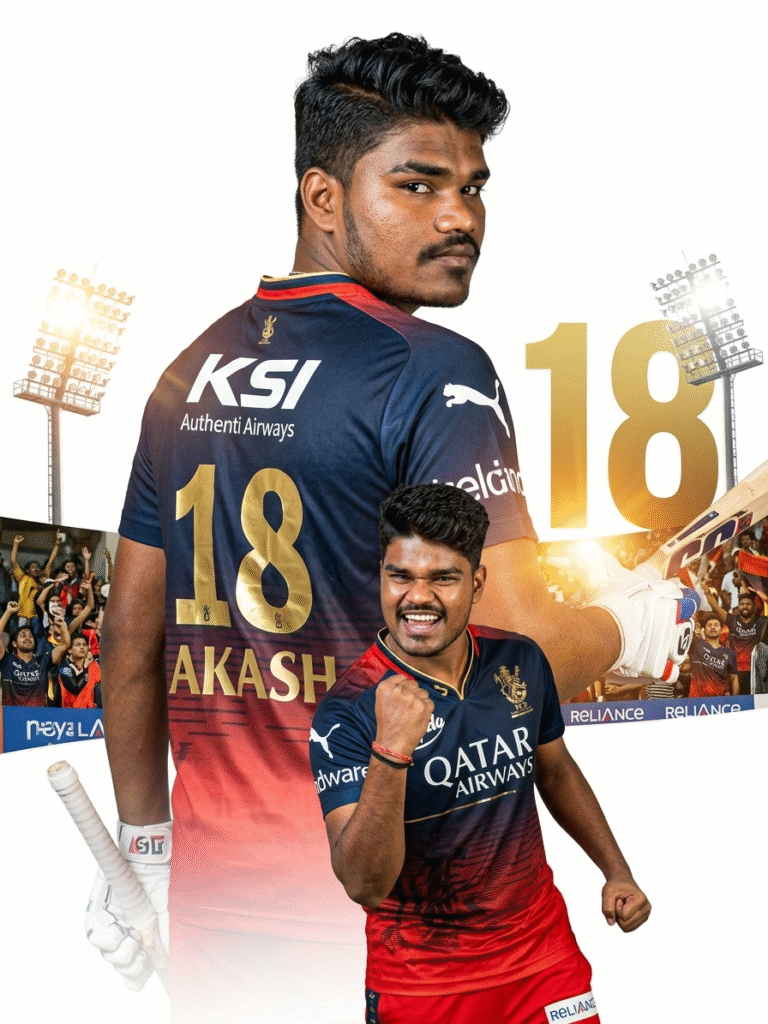
A dramatic sports poster of a
professional cricket player wearing ipl team RCB jersey with the number 18
on the back, looking over his shoulder
confidently. The
player appears twice in
the composition: one large portrait from
the back showing the name AKASH
on the jersey, and another smaller action
pose in front celebrating with a clenched
fist and shouting in victory. Modern
cricket team uniform with gold lettering
and sponsor logo, stadium lighting,
powerful athletic pose, clean white
background with large golden number 18
behind the player, cinematic lighting,
ultra-detailed, sharp focus, professional
sports poster design, high contrast,4K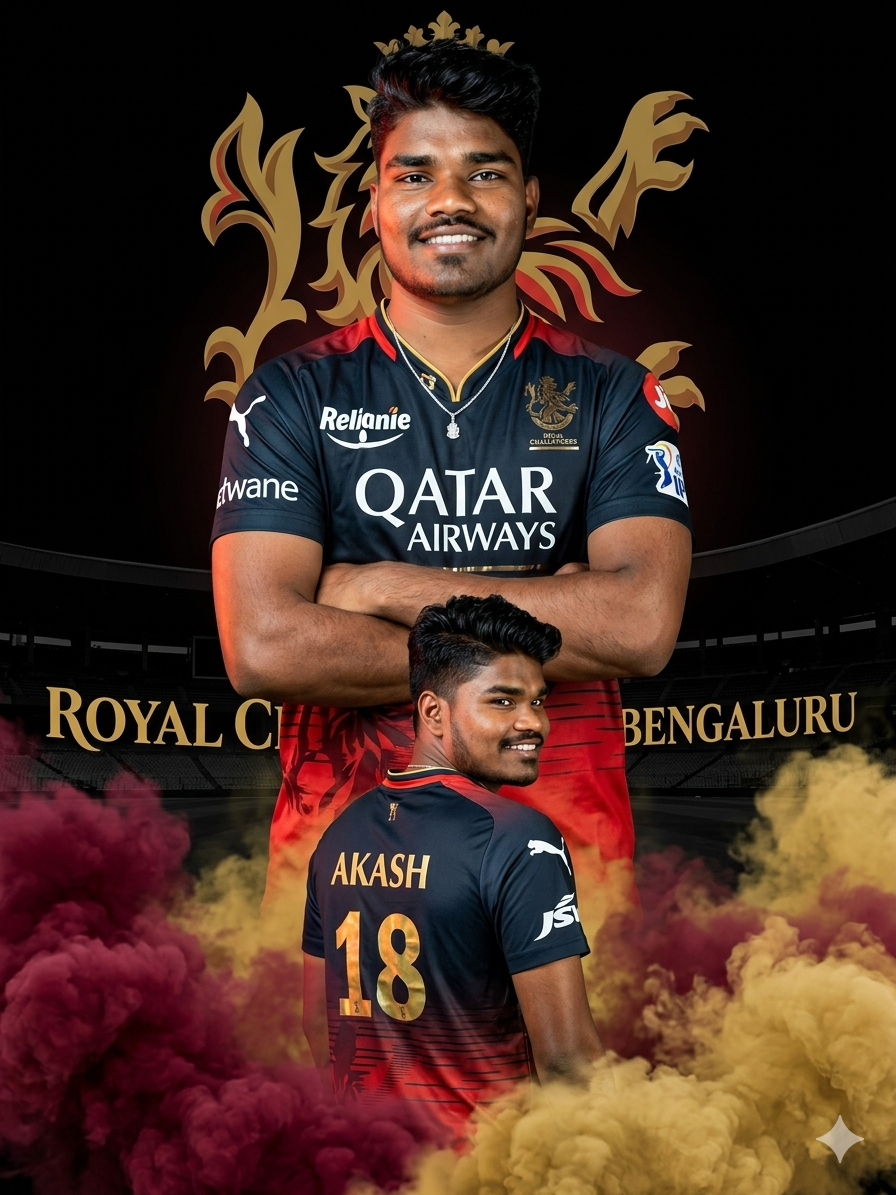
Create a hyper- realistic IPL-style poster using my photo. Keep my facial features exactly the same as in my photo but put me in a ROYAL CHALLENGEERS BANGALORE style jersey, in 2025 style, with sponsor logos in white on the chest and sleeves. Make two versions of me: one large portrait from the chest up with arms crossed and a confident smile in the center, and one back-body image of me below wearing a RCB jersey with golden colour 18 AKASH smiling,surrounded by MARRON smoke at the bottom. Use a dark black background with a large Royal challengers Bangalore logo in background (logo is given in image 2). In text golden ‘Royal Challengers Bangalore’ stadium silhouette behind me, similar to a cricket team emblem. Use vivid, high-contrast lighting to make my face and jersey stand out. Make the overall style sharp, colorful and suitable for a sports poster.