Introduction
Have you ever lost an important document like your Aadhaar card, PAN card, mark sheet, or income certificate, and didn’t know where to start searching for it? Don’t worry — you’re not alone. Thousands of people face the same issue every day.
The good news is that you can easily find and download your missing documents online from official government and educational portals. In this guide, we’ll take you through a simple, step-by-step process to recover your important files safely — all from the comfort of your home.
Whether it’s your school certificates, driving license, or government ID proofs, this article will show you how to get them back quickly and securely.
H2: Why Finding Missing Documents Online Matters
Losing important documents can cause serious issues — from job delays to trouble accessing financial services. In today’s digital world, almost every government department and institution provides online document retrieval services.
By using verified platforms like Digilocker, UIDAI, or State e-Governance Portals, you can easily:
- Re-download your lost Aadhaar card, voter ID, or ration card
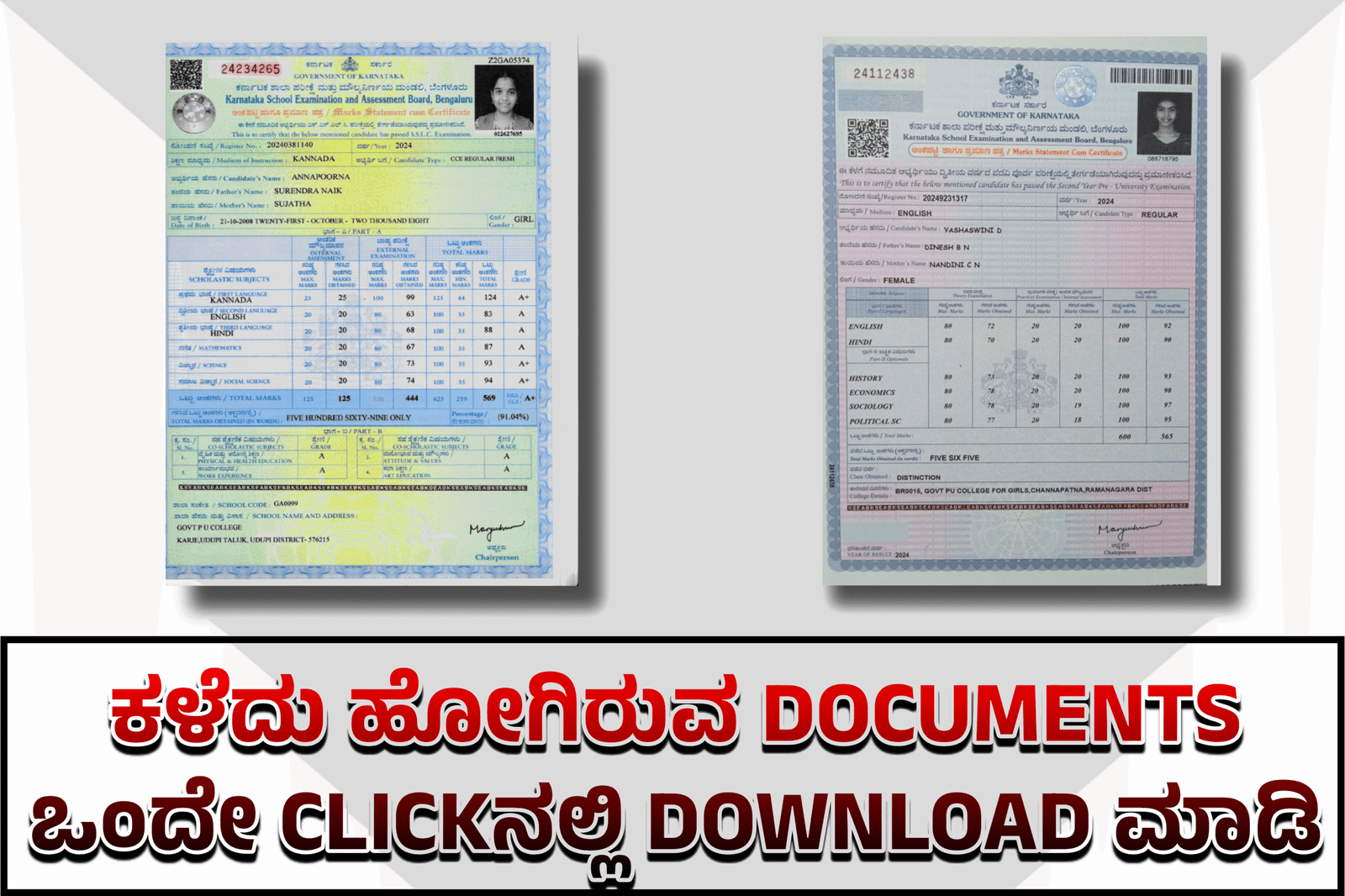
- Retrieve mark sheets, certificates, or income proof
- Get digitally signed and verified copies
Most importantly, these documents are officially valid for online verification and applications, saving you time and money.
H2: Step-by-Step Guide to Find and Download Missing Documents Online
Let’s go through the easy process to find your lost or missing documents online.
H3: Step 1 — Visit the Official Portal
The first and most crucial step is to visit the authentic government website related to your document type. Here are a few trusted ones:
- Aadhaar Card: https://uidai.gov.in
- PAN Card: https://www.incometax.gov.in
- Educational Certificates: https://digilocker.gov.in
- State Documents: Visit your state’s e-district or Seva Sindhu portal
Avoid third-party or unverified sites that may misuse your personal information.
H3: Step 2 — Log in or Create an Account
Most government portals require a registered account.
- If you already have one, simply log in using your Aadhaar number or mobile OTP.
- If not, click on “Sign Up” or “Register” and create an account using your mobile number, email, and Aadhaar details.
Once logged in, you’ll have access to your digital records securely stored in the cloud.
H3: Step 3 — Search for Your Missing Document
After logging in, use the search or document retrieval option. Enter your document details such as:
- Aadhaar or enrollment number
- Application ID
- Roll number (for mark sheets)
- Date of birth or registered mobile number
The system will fetch your document automatically if it’s available in the database.
H3: Step 4 — Download and Save Your Document
Once your document appears, click on the “Download” or “Get Document” button.
Most platforms provide the document in PDF format with a digital signature or QR code for verification.
You can now save it to your phone, computer, or cloud drive for future access.
Pro Tip: Always rename and organize your digital files by type and year — for example, Aadhaar_2025.pdf or 10th_Marksheet_2020.pdf. This helps you find them easily next time.
H2: Safety Tips When Downloading Missing Documents
- Always use official government websites (never third-party download links).
- Avoid sharing your Aadhaar number or OTP with anyone.
- Keep your login credentials secure.
- Store copies in Google Drive or Dropbox for backup.
- Verify downloaded documents using the official QR code or verification link.
These steps ensure your sensitive information stays safe while retrieving important files.
H2: FAQs About Finding Missing Documents Online
Q1: Can I download my Aadhaar card if I lost the original?
Yes, visit https://uidai.gov.in, select “Download Aadhaar,” and log in with your registered mobile number to get an e-copy.
Q2: Is the digital version of my document legally valid?
Absolutely. Documents downloaded from DigiLocker or government portals are digitally signed and legally accepted everywhere.
Q3: What if I can’t find my document online?
You can raise a request or grievance on the respective portal or visit the nearest government service center for manual verification.
Conclusion
Losing important documents can be stressful — but thanks to digital India initiatives, retrieving them online has become easier than ever. By following the above steps and using trusted platforms like DigiLocker, UIDAI, and Seva Sindhu, you can download your missing documents instantly and securely.
So next time you lose an Aadhaar card, mark sheet, or certificate, remember — you’re just one click away from getting it back!