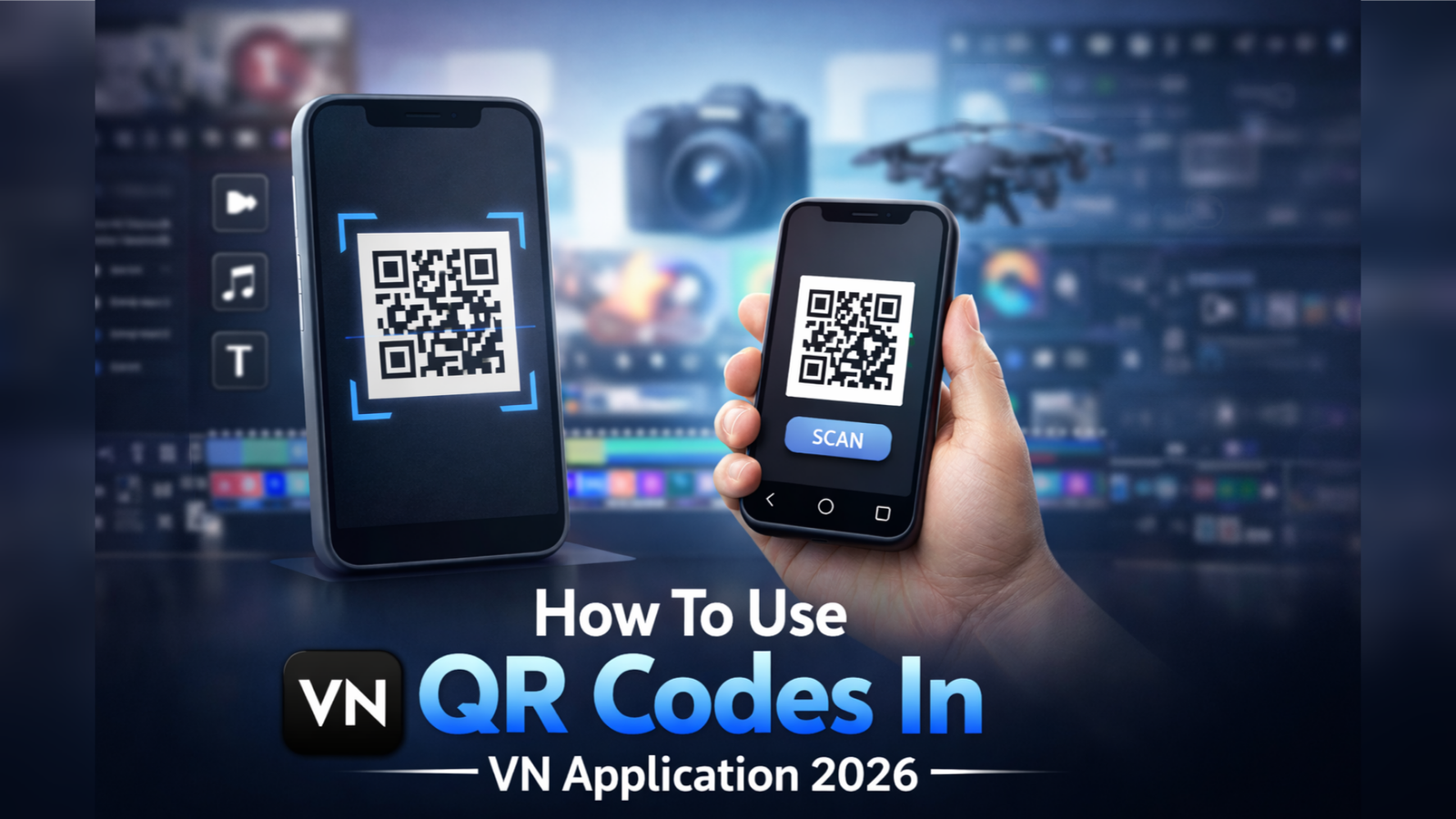
The VN Video Editor app is one of the most popular free video editing applications available for Android and iOS users. It offers professional editing tools such as transitions, effects, text animations, filters, and music features. One of its most interesting options is the QR Code feature, which allows users to share and apply editing presets instantly. In this blog post, you will learn how to use QR codes in the VN application in a simple and clear way.
What Is a QR Code in VN App?
In VN Video Editor, a QR code is a quick sharing method. It allows users to share their editing presets like filters, color grading settings, text styles, transitions, and other adjustments. Instead of manually adjusting every setting, you can scan a QR code and instantly apply the same editing style to your video.
This feature is especially helpful for:
- Social media creators
- YouTube video editors
- Instagram Reel makers
- Short video creators
How To Scan a QR Code in VN Application
Follow these simple steps to use a QR code inside the VN app:
Step 1: Install and Open VN App
First, download the VN Video Editor from the Google Play Store or Apple App Store. Install and open the application on your mobile.
Step 2: Create or Open a Project
After importing your video, you will enter the editing screen.
Step 3: Open the Filter or Preset Section
Now select the clip on the timeline. Tap on Filters or the specific editing section where QR import is supported.
Step 4: Click on “Scan” Option
Inside the filter or preset section, you will see a Scan QR Code option. Tap on it. Your mobile camera will open automatically.
Step 5: Scan the QR Code
Point your camera toward the QR code shared by another VN user. Once scanned, the preset will load automatically.
Step 6: Apply and Adjust
After scanning, preview the effect. If you like it, tap Apply. You can also adjust brightness, contrast, or other settings if needed.
How To Create and Share Your Own QR Code in VN
If you want to share your editing style with others, follow these steps:
- Edit your video with filters and effects.
- Go to the preset or filter section.
- Select the Export QR Code option.
- VN will generate a QR code for your editing style.
- Save it or share it via WhatsApp, Telegram, or social media.
Now others can scan your QR code and use your preset instantly.
Benefits of Using QR Codes in VN App
- Saves editing time
- Keeps color grading consistent
- Easy sharing between friends
- Helpful for trending Reel edits
- No need to manually adjust settings
Final Words
Using QR codes in the VN Video Editor app is simple and very useful for beginners as well as advanced editors. It helps you apply professional editing styles in just seconds. Whether you want to follow trending presets or create your own editing signature, the QR feature makes the process smooth and fast.
Start exploring QR presets today and make your videos look more attractive and professional with minimal effort!