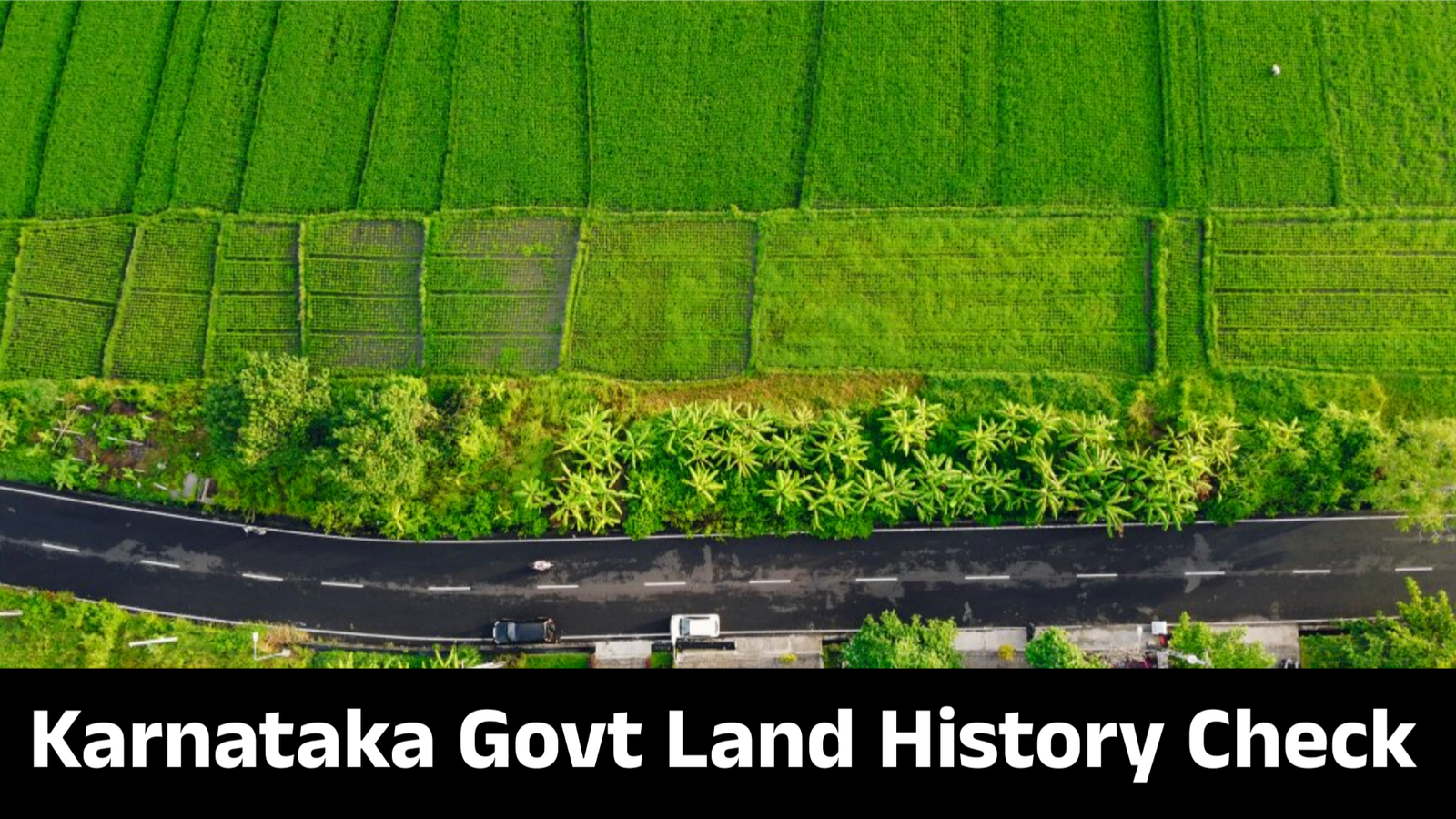
In today’s digital world, the Karnataka Government has made it easier for citizens to access land ownership details, RTC (Record of Rights, Tenancy, and Crops), and property history directly from their mobile phones. The state’s Bhoomi portal and related mobile apps now allow anyone to check land details online in just a few minutes.
In this article, you’ll learn the complete process to check land history in Karnataka using your mobile, along with step-by-step instructions, important links, and frequently asked questions. This information is valuable for landowners, buyers, and anyone verifying property details before a purchase.
What Is the Karnataka Bhoomi Land Record System?
The Bhoomi Land Record Project is an initiative by the Government of Karnataka under the Revenue Department. It was developed by the National Informatics Centre (NIC) to digitize land records and provide easy online access to citizens.
Through this system, you can view:
- Land ownership details
- RTC (Record of Rights, Tenancy, and Crops)
- Mutation register (MR)
- Survey and map details
- Land transaction history
- Encumbrance and property tax records
The Bhoomi system ensures transparency, reduces the need for middlemen, and provides authentic government data for every registered property in Karnataka.
Key Benefits of Checking Land History Online in Karnataka
- Instant Access: View property and land details anytime on your smartphone.
- Transparency: Avoid property fraud and confirm the rightful ownership.
- Time Saving: No need to visit the revenue or taluk office.
- Accurate Information: Data is directly sourced from government databases.
- Useful for Buyers: Verify ownership, previous transactions, and mutation status before buying.
- Official Records: Documents are legally recognized and can be downloaded in PDF form.
Step-by-Step Guide to Check Karnataka Land History on Mobile
Follow these steps carefully to check your land record and ownership history using your mobile phone.
Step 1: Visit the Official Bhoomi Website
Open the official Karnataka land records website:
https://landrecords.karnataka.gov.in/
You can also download the Bhoomi RTC App or KLR Mobile App from the Google Play Store.
Step 2: Select “View RTC and MR” Option
On the homepage, click on “View RTC and MR” (Record of Rights, Tenancy, and Crops / Mutation Register).
This feature allows you to check all official land details online.
Step 3: Enter Location and Survey Details
You will be asked to select:
- District
- Taluk
- Hobli
- Village
Then, enter your Survey Number or Khata Number and click on “Fetch Details”.
Step 4: View and Download RTC (Land Record)
The screen will display complete details of your land such as:
- Owner’s name
- Land type (wet/dry)
- Area in acres and guntas
- Mutation entries
- Previous ownership details
You can download or print your RTC (Record of Rights, Tenancy, and Crops) directly on your mobile.
Step 5: Check Mutation Register (MR)
The Mutation Register shows if there have been any recent changes in land ownership or sale transactions.
Checking the MR ensures that the land record is updated and valid in the government database.
Alternative Apps to Check Land History in Karnataka
- Bhoomi RTC App: Official Karnataka government app for land record access.
- Dishaank App: Provides digital survey map and property boundaries.
- Kaveri Online Services: Offers encumbrance certificate and property registration details.
These apps are free, verified, and available on the Google Play Store for Android users.
Common Issues and Solutions
| Issue | Possible Solution |
|---|---|
| Data not visible online | Check after a few hours or contact the Taluk office. |
| Incorrect details | Apply for correction through Bhoomi portal or Revenue Department. |
| Unable to download RTC | Use a different browser or the Bhoomi mobile app. |
FAQs – Karnataka Land History Check
1. Is it free to check land records online in Karnataka?
Yes. Viewing land records, RTC, and MR details is free on the official Bhoomi website or mobile app.
2. Can I get RTC details without visiting the office?
Yes. You can view and download the RTC document anytime through your mobile browser or Bhoomi app.
3. How can property buyers benefit from this system?
Buyers can verify ownership, history, and encumbrance status to ensure there are no legal disputes.
4. Which is the best app for land record checking in Karnataka?
The Bhoomi RTC app and Dishaank app are the most reliable and government-approved options.
5. Can I view old land history details?
Yes. The Bhoomi portal allows you to see past ownership and mutation changes in the property record.
High CPC Keywords (Use Naturally in Content)
- Karnataka land record online
- Bhoomi RTC Karnataka
- Karnataka mutation status
- Land ownership history Karnataka
- Property verification Karnataka
- Revenue Department Karnataka
- Kaveri online land details
- Land record mobile app Karnataka
- Karnataka government land records portal
Conclusion
The Karnataka Bhoomi land record system has made it simple, transparent, and efficient to access land ownership and history details from your mobile. Whether you’re a property buyer, seller, or landowner, checking your land records online ensures that your data is accurate and up to date.
With just a few steps on your mobile, you can download RTC, check mutation status, and verify property history instantly. This government service promotes transparency, prevents fraud, and empowers citizens to manage their property records independently.
Start using the Bhoomi portal or Bhoomi RTC app today and experience the convenience of digital land record access in Karnataka.
Website Link