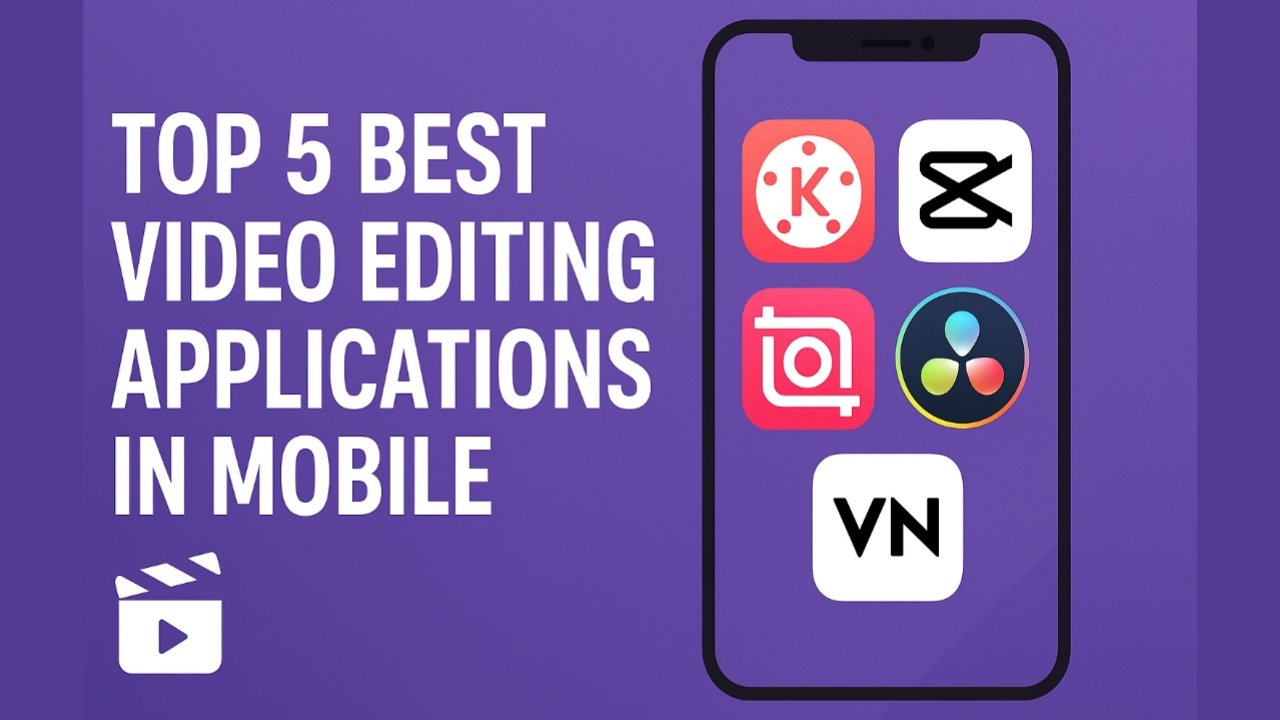
Mobile video editing has become a powerful trend in recent years. Whether you’re a content creator, YouTuber, Instagram Reels editor, or someone who simply loves crafting high-quality videos, choosing the right video editing app makes a huge difference. Today, smartphones offer editing tools that were once available only on computers. Here are the Top 5 Best Video Editing Applications for Mobile, explained in detail with features and benefits.
1. CapCut – Best for Beginners & Social Media Creators
CapCut is one of the most popular and beginner-friendly video editing apps available today. It stands out with its clean interface and powerful AI features.
Key Features
- Ready-to-use templates for Reels, Shorts, and TikTok
- AI auto-cut and auto-captions
- Free sound effects and royalty-free music
- Advanced filters, transitions, and color grading tools
- 4K video export support
Why It’s Great
CapCut allows anyone to create cinematic videos without requiring editing knowledge. It is fully free, making it the best choice for social media creators.
2. KineMaster – Best for Professional Mobile Editing
KineMaster has long been a favorite among YouTubers and video creators who want more control over their editing.
Key Features
- Multi-layer editing (video, audio, texts, overlays)
- Precise timeline control
- Chroma key (green screen) support
- Speed control for slow-motion and fast-motion videos
- 4K 60fps export
Why It’s Great
KineMaster offers the feeling of desktop editing on a mobile phone. The advanced tools make it perfect for professional video editing, vlogging, tutorials, and cinematic videos.
3. VN Video Editor – Best All-Rounder with No Watermark
If you want a clean, smooth editing experience without watermarks, VN Editor is an excellent choice.
Key Features
- No watermark in exports
- Multi-track timeline
- Customizable filters and LUTs
- Advanced curve adjustment tools
- Subtitle styles and text animations
Why It’s Great
VN Editor is powerful yet simple. It works well for travel vlogs, event videos, and aesthetic clips. The intuitive interface and premium-grade tools make it a favorite for Instagram and YouTube creators.
4. InShot – Best for Quick Social Media Videos
InShot is one of the most widely used editing apps for Instagram Reels, Shorts, and TikTok because of its quick editing tools.
Key Features
- Canvas resize for different platforms
- Smooth transitions and animation presets
- Powerful trim, crop, and cut tools
- Music beat sync
- Photo-to-video creation
Why It’s Great
InShot is ideal for users who want fast editing with stylish results. It is perfect for influencers who frequently post short videos and need polished output with minimal effort.
5. Adobe Premiere Rush – Best for Creators Who Want Adobe Quality
Adobe Premiere Rush is a simplified version of Adobe Premiere Pro, designed for mobile creators.
Key Features
- Professional-quality editing tools
- Cloud syncing for multi-device editing
- Color correction presets from Adobe
- Auto-ducking for sound
- Multi-track editing
Why It’s Great
Premiere Rush is perfect for editors who prefer Adobe’s ecosystem. It offers high-level editing with an easy workflow and lets you continue editing on desktop if needed.
Conclusion
These five mobile video editing applications are currently the best for creating high-quality videos directly on your smartphone.
- CapCut is perfect for beginners and trending content.
- KineMaster delivers professional editing tools.
- VN Editor gives clean, watermark-free exports.
- InShot is ideal for quick social media videos.
- Adobe Premiere Rush offers advanced, professional-grade editing.
No matter your skill level, one of these apps will help you create impressive and engaging videos from your mobile device. Each app brings unique features, making mobile editing easier, faster, and more powerful than ever before.