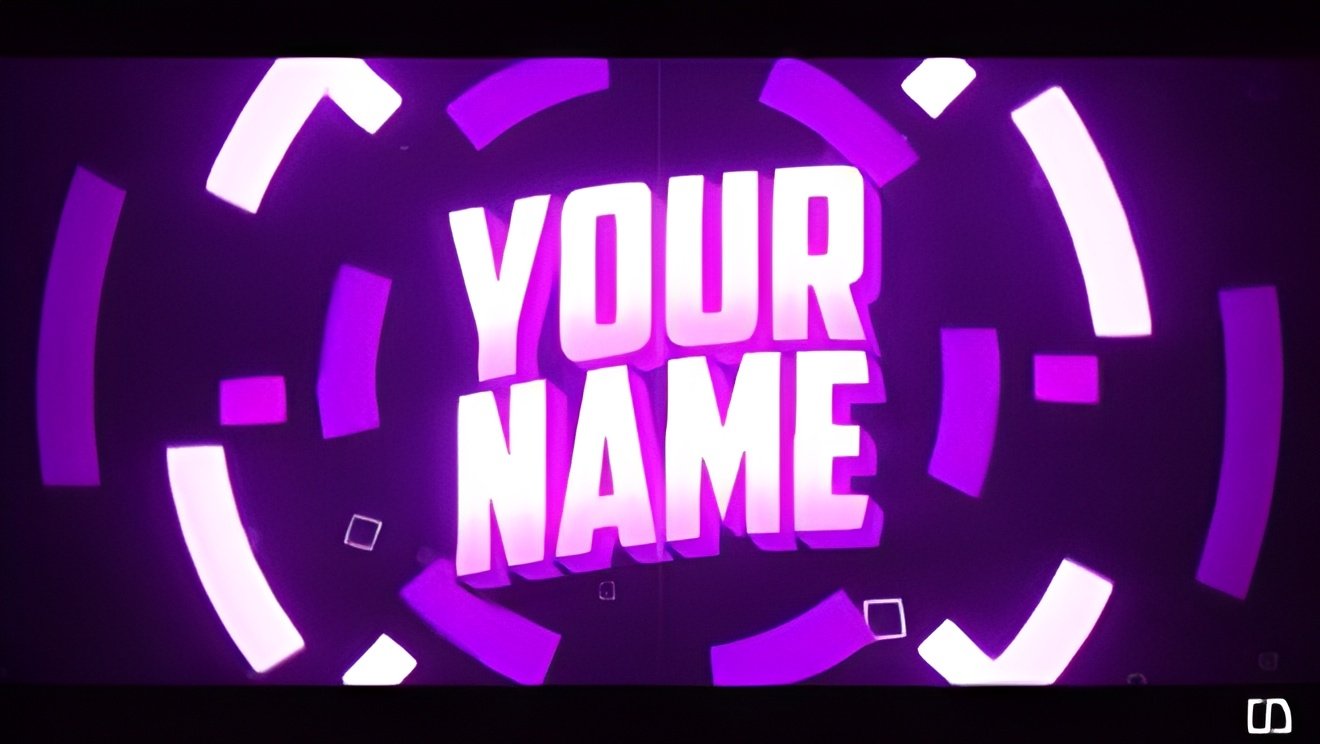
Creating an attractive intro video is essential for YouTube channels, brand promotions, social media content, and marketing projects. A high-quality intro helps build identity, improve viewer engagement, and create a professional first impression. Today, several easy-to-use platforms allow beginners to design stunning intros without advanced editing skills. Below are the Top 5 Best Platforms to Create Intro Videos, explained in detail.
1. Canva
Canva is one of the most popular online design tools, known for its beginner-friendly interface. It offers thousands of intro templates suitable for YouTube, business presentations, and social media reels. Users can simply drag and drop elements, add music, use animations, and customize text styles. Canva also provides copyright-free graphics, transitions, and stock videos. The platform supports exporting videos in high resolution, making it perfect for creators who want fast, clean results.
Key Features:
- Huge library of intro templates
- Easy drag-and-drop editor
- Free music and animation options
- High-quality export up to 1080p
2. Renderforest
Renderforest is designed specifically for video intros, logos, and promotional content. It offers professional-looking 3D intros and logo animations that usually require advanced tools. The pre-built scenes help users create intros in just a few minutes. Whether it’s tech, gaming, business, or cinematic style intros, Renderforest has options for every niche.
Key Features:
- 3D logo animation templates
- Fast and automated editing
- Cloud-based rendering
- Perfect for branding and YouTube intros
3. InVideo
InVideo is another powerful platform for creating attractive intros through templates, stock visuals, and advanced editing controls. It also allows voice-over recording, adding motion graphics, and applying creative transitions. InVideo is ideal for creators who want more control over animations and effects while maintaining simplicity.
Key Features:
- 5000+ customizable templates
- Voice-over and advanced transitions
- Stock videos and sound effects included
- Suitable for YouTube, marketing, and ads
4. FlexClip
FlexClip is known for its super-smooth interface and quick editing system. It has a variety of pre-designed intro scenes including modern, glitch, gaming, cinematic, and minimal styles. FlexClip also allows layering elements, background removal, and timeline editing, making it an excellent choice for both beginners and semi-professional creators.
Key Features:
- Simple timeline editor
- AI text-to-video feature
- Wide intro template library
- Supports watermark-free export (premium)
5. Filmora
Filmora is one of the easiest desktop video editing software options for creating custom intros. Unlike online tools, Filmora gives more professional control such as keyframing, motion tracking, sound editing, and transitions. It’s ideal for YouTubers who want a polished intro with special effects and smooth animations.
Key Features:
- Professional motion graphics
- Keyframing and color grading
- Large effects & transitions library
- Perfect for long-term content creators
Conclusion
Creating intro videos has become easier than ever thanks to user-friendly platforms like Canva, Renderforest, InVideo, FlexClip, and Filmora. Whether you’re a beginner or a growing creator, these tools help you design high-quality intros without complicated editing knowledge. Choose the platform that fits your style, experiment with templates, and create an intro that represents your brand perfectly.