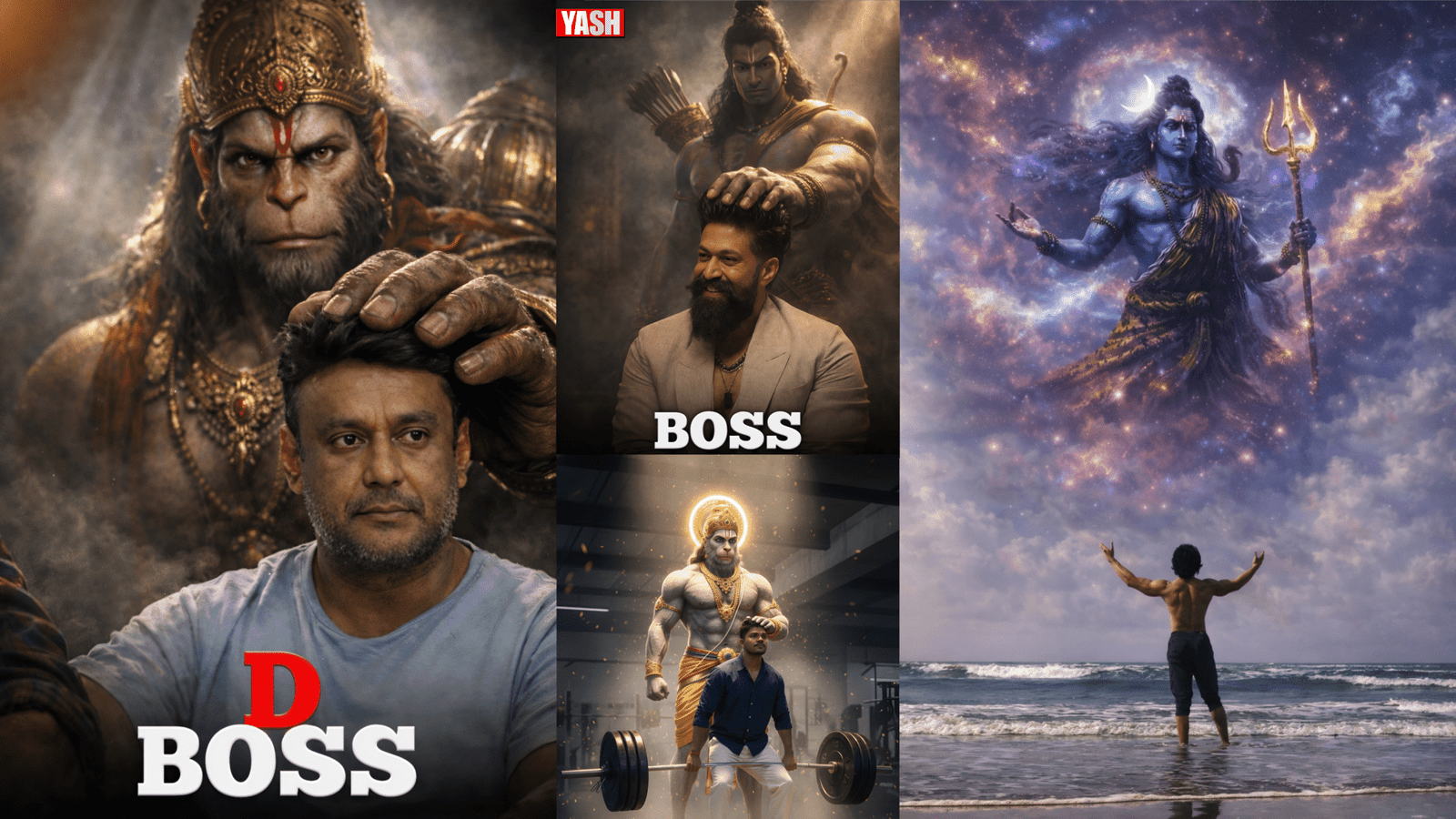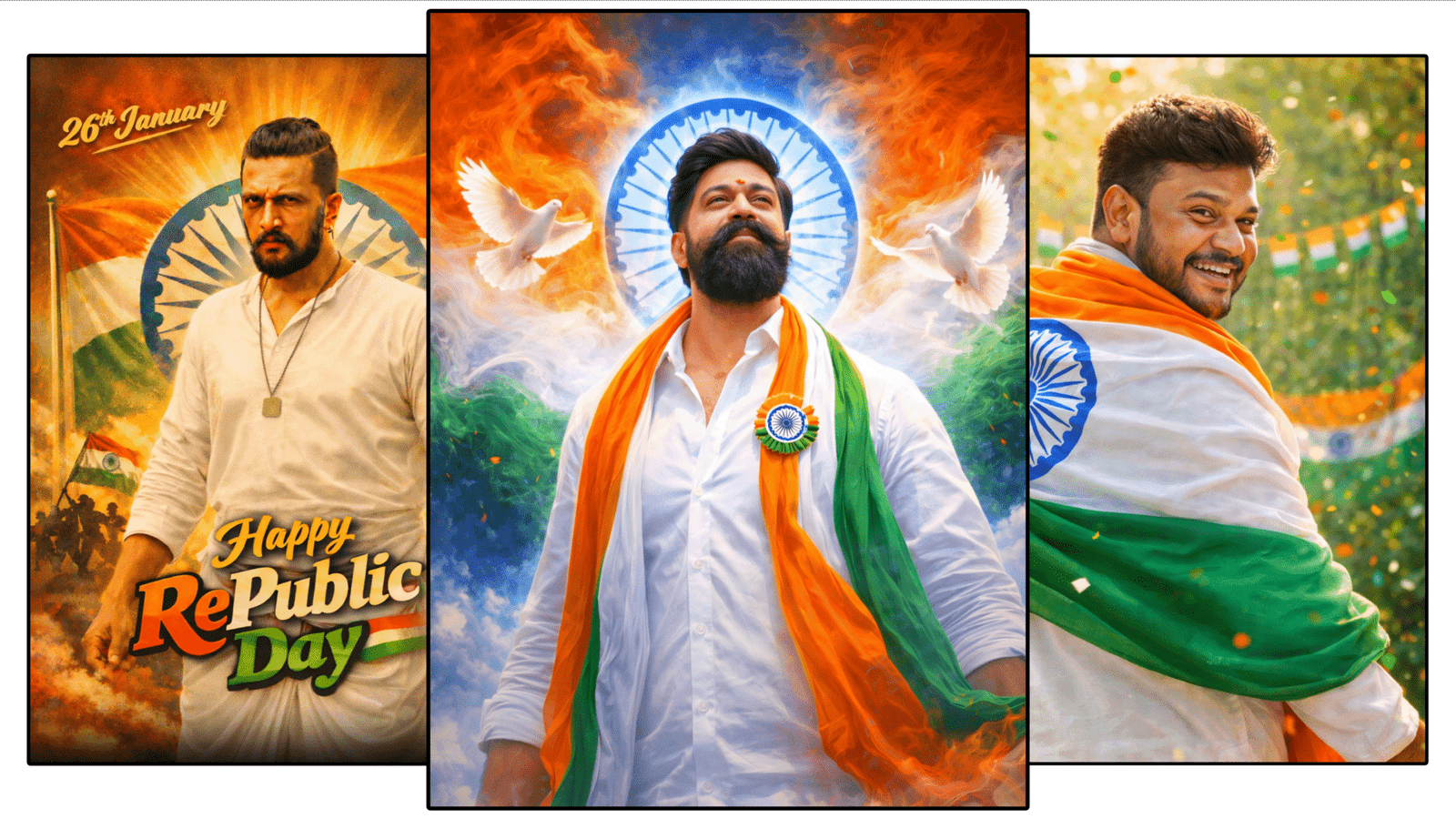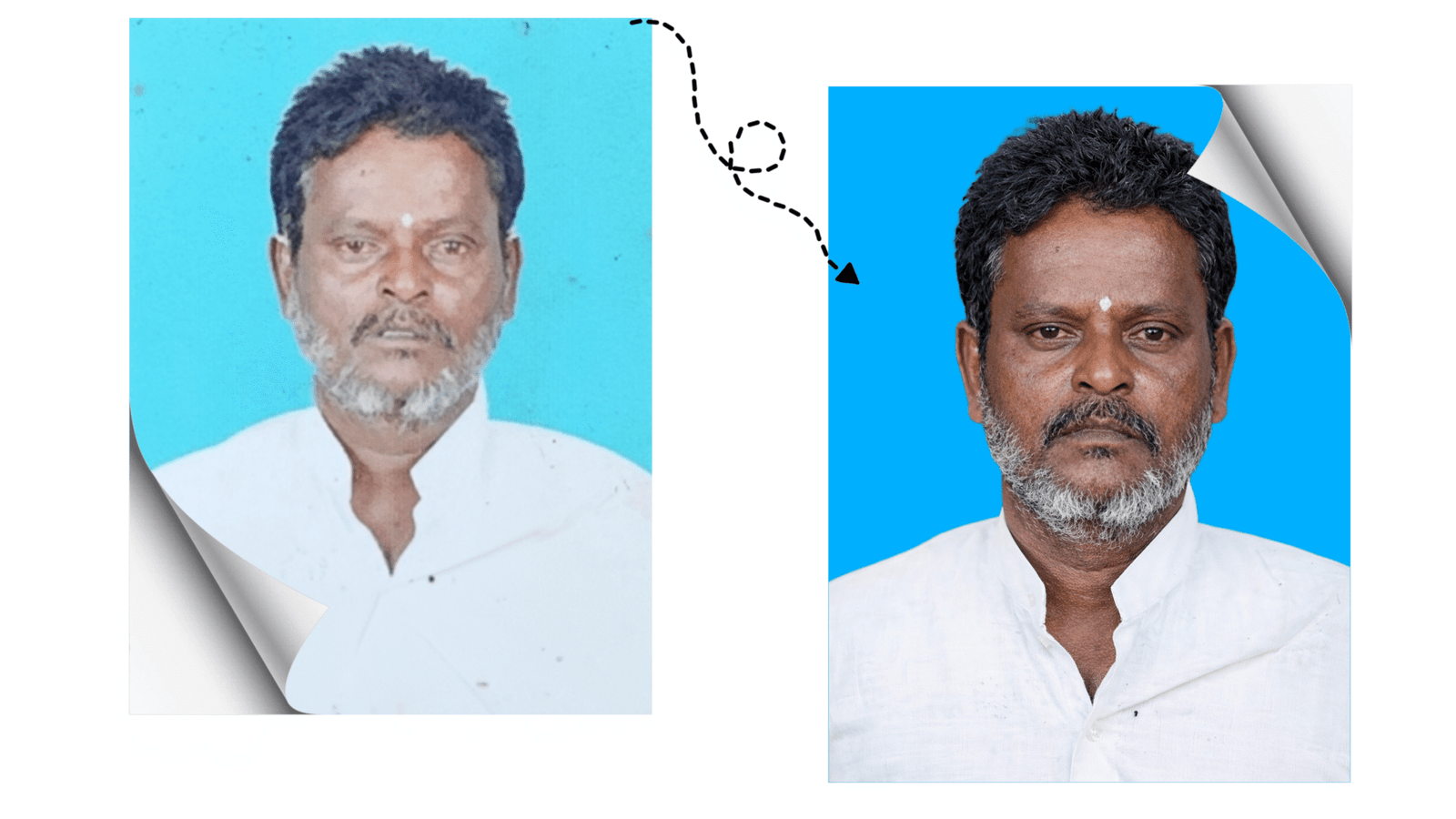
In 2026, AI image generation has become one of the fastest-growing digital trends. Platforms like Google Gemini and ChatGPT are widely used by bloggers, designers, marketers, and content creators to generate high-quality, realistic images using simple text prompts. However, many users still get average results because they don’t understand how prompts directly control image quality.
This blog explains, in full detail, how to use Google Gemini and ChatGPT effectively to generate high-resolution, professional-quality images using trending prompt techniques—without plagiarism and with 100% unique content.
Why Prompt Quality Matters in AI Image Generation
AI tools do not create images randomly. They analyze your prompt word by word and convert it into visual instructions. A basic prompt like “create a photo of a man” gives basic output. But a detailed prompt describing lighting, camera style, texture, and resolution produces cinematic and realistic images.
High-quality AI images depend on:
- Clear subject description
- Correct quality keywords
- Realistic lighting instructions
- Camera and perspective details
Key Elements of a High-Quality Image Prompt
1. Clear Subject Description
Always define the subject clearly. Mention age, gender, appearance, clothing, background, or environment if needed.
2. Quality & Style Keywords
Trending keywords strongly impact output quality. Commonly used terms include:
- Ultra-realistic
- Photorealistic
- 4K or 8K resolution
- Hyper-detailed
- Professional photography
3. Lighting Details
Lighting adds realism. AI responds very well to lighting instructions such as:
- Soft studio lighting
- Natural daylight
- Golden hour sunlight
- Dramatic cinematic shadows
4. Camera & Photography Style
Using camera-related terms improves sharpness and depth:
- DSLR photography
- Shallow depth of field
- Wide-angle lens
- Portrait shot
- Macro photography
5. Mood & Color Tone
Mood defines emotion and visual appeal:
- Warm tones
- Moody cinematic look
- High contrast
- Natural color grading
Example of a Trending High-Quality Prompt
Ultra-realistic portrait of a young Indian man, DSLR photography, 4K resolution, cinematic lighting, shallow depth of field, natural skin texture, professional color grading, sharp focus, studio background, no blur
This type of prompt is trending because it combines visual clarity, photography logic, and realism, which AI models understand efficiently.
Advanced Tips to Improve Image Quality
- Use comma-separated phrases instead of long paragraphs
- Add negative prompts like: no blur, no distortion, no extra fingers, no watermark
- Avoid mixing opposite styles such as cartoon and realistic together
- Keep prompts detailed but focused
Why Google Gemini and ChatGPT Are Trending
Tools powered by Google Gemini and OpenAI ChatGPT are trending because they understand natural language extremely well. They allow users to control image quality without technical design skills or expensive software.
These platforms are now widely used for:
- Blog featured images
- YouTube thumbnails
- Social media posts
- Digital posters and ads
Conclusion
Creating high-quality AI images is not about using complex tools—it’s about writing smart, detailed prompts. When you include subject clarity, lighting, camera style, and quality keywords, Google Gemini or ChatGPT can generate images that look professional and visually impressive.
Mastering prompt writing today means staying ahead in the future of AI-driven content creation.

Enhance this exact image into
Ultra HD 8K resolution, as if it was captured using a professional DSLR / mirrorless camera worth 25-6 lakh with a premium lens.
Do NOT change the person's face, skin tone, facial structure, body shape, hairstyle, beard, pose, expression, or clothing even by 1%. Identity must remain 100% original and untouched.
Increase micro-level details on the face, eyes, lips, skin texture, beard, hair strands, and entire body while keeping the skin completely natural - no artificial smoothening, no plastic skin, no over-editing.
Improve sharpness, clarity, and depth across the whole image:
- More realistic skin pores
- Clear facial contours
- High-detail fabric texture on t-shirt, jeans, shoes, and bag
- Natural reflections on sunglasses
Slightly brighten the skin tone and overall colors in a very subtle, realistic way - no whitening, no color change, only gentle brightness and vibrance like professional color grading.
Enhance dynamic range, natural contrast, and lighting balance to look like a high-end outdoor photoshoot.Background greenery should look crisp, deep, and cinematic, with improved depth and natural bokeh, while keeping the original environment intact.
Final output must look hyper-realistic, premium, DSLR-quality, extremely sharp, clean, and detailed - suitable for professional portfolio, poster, or social media display.