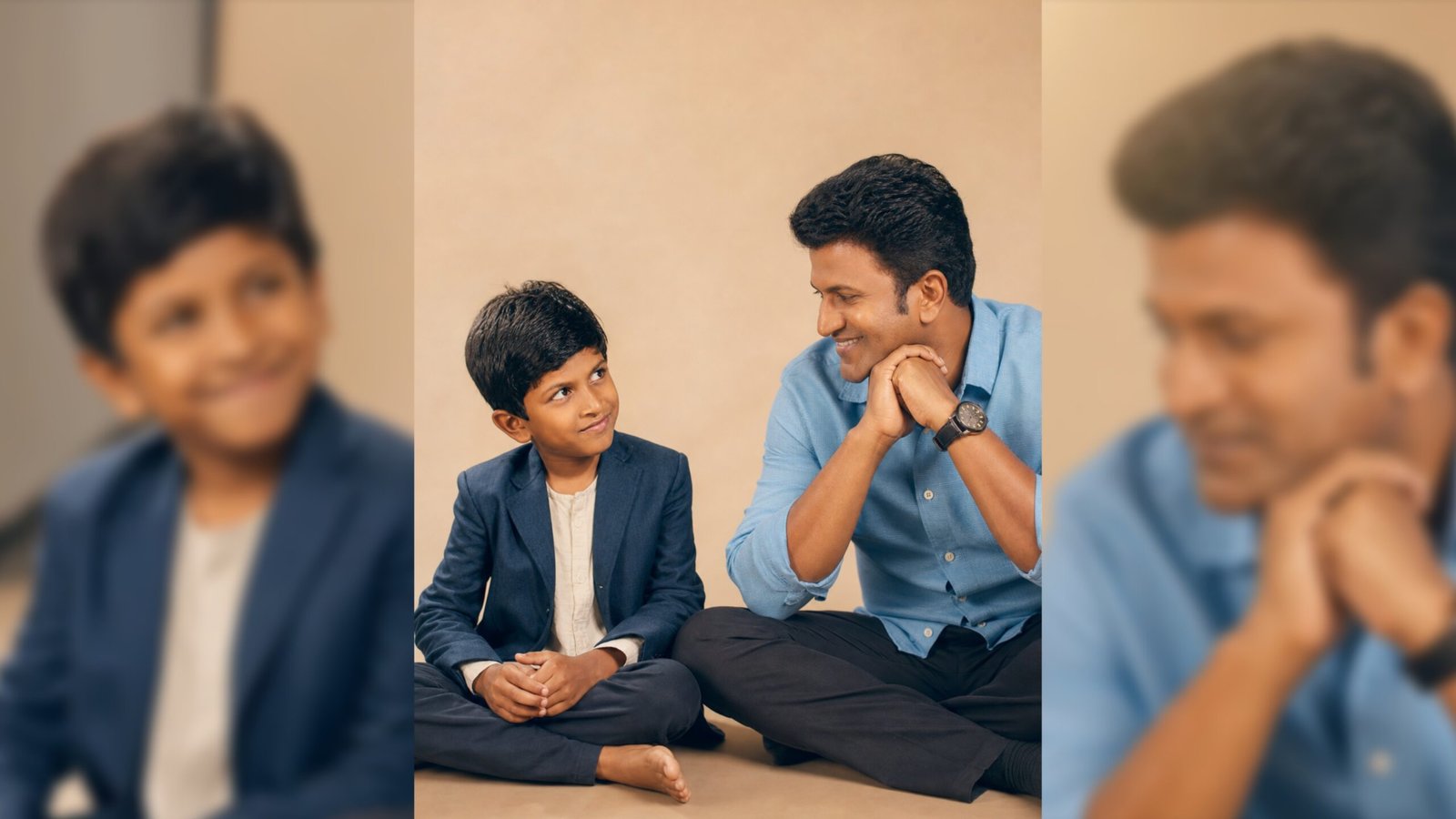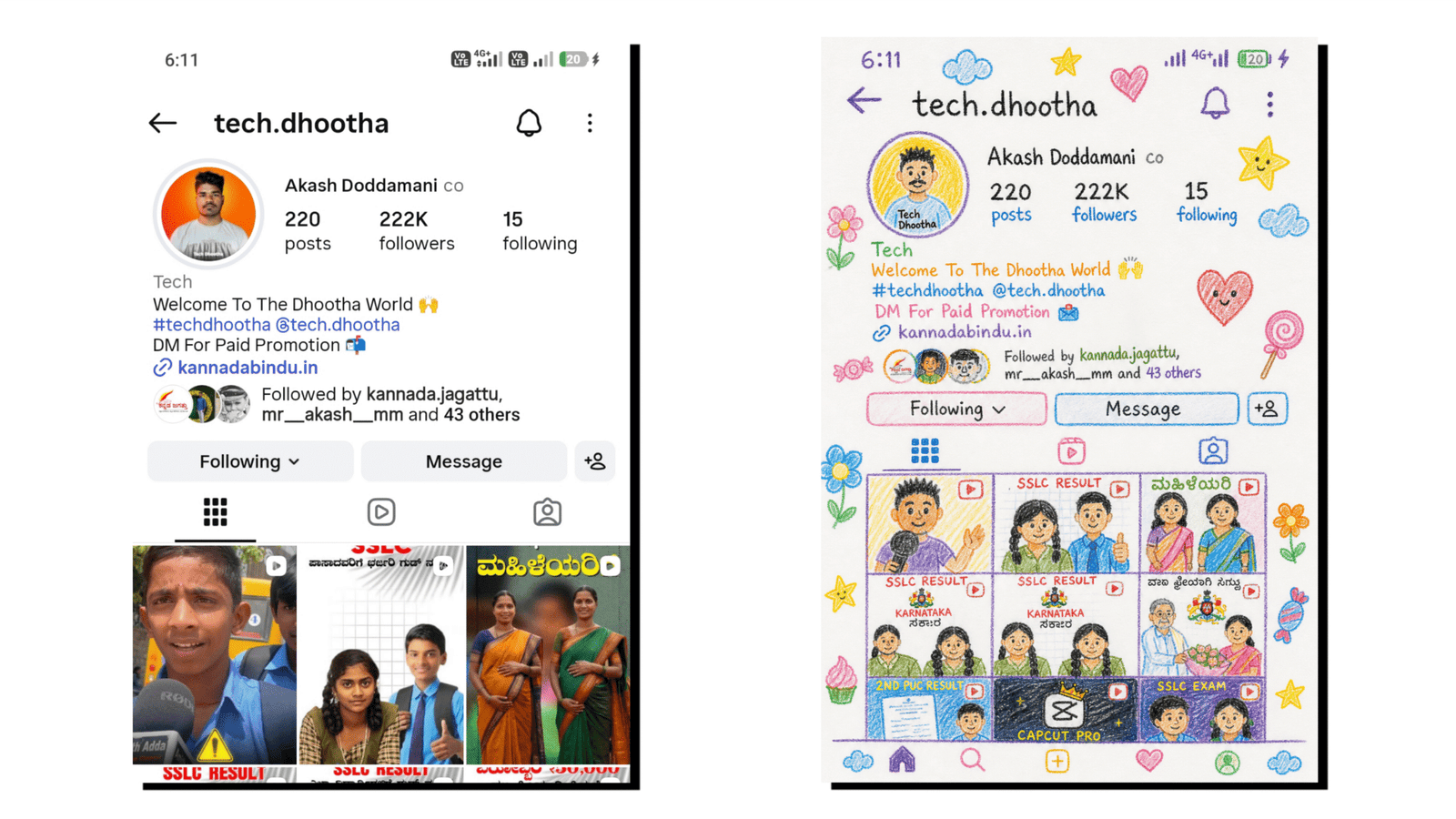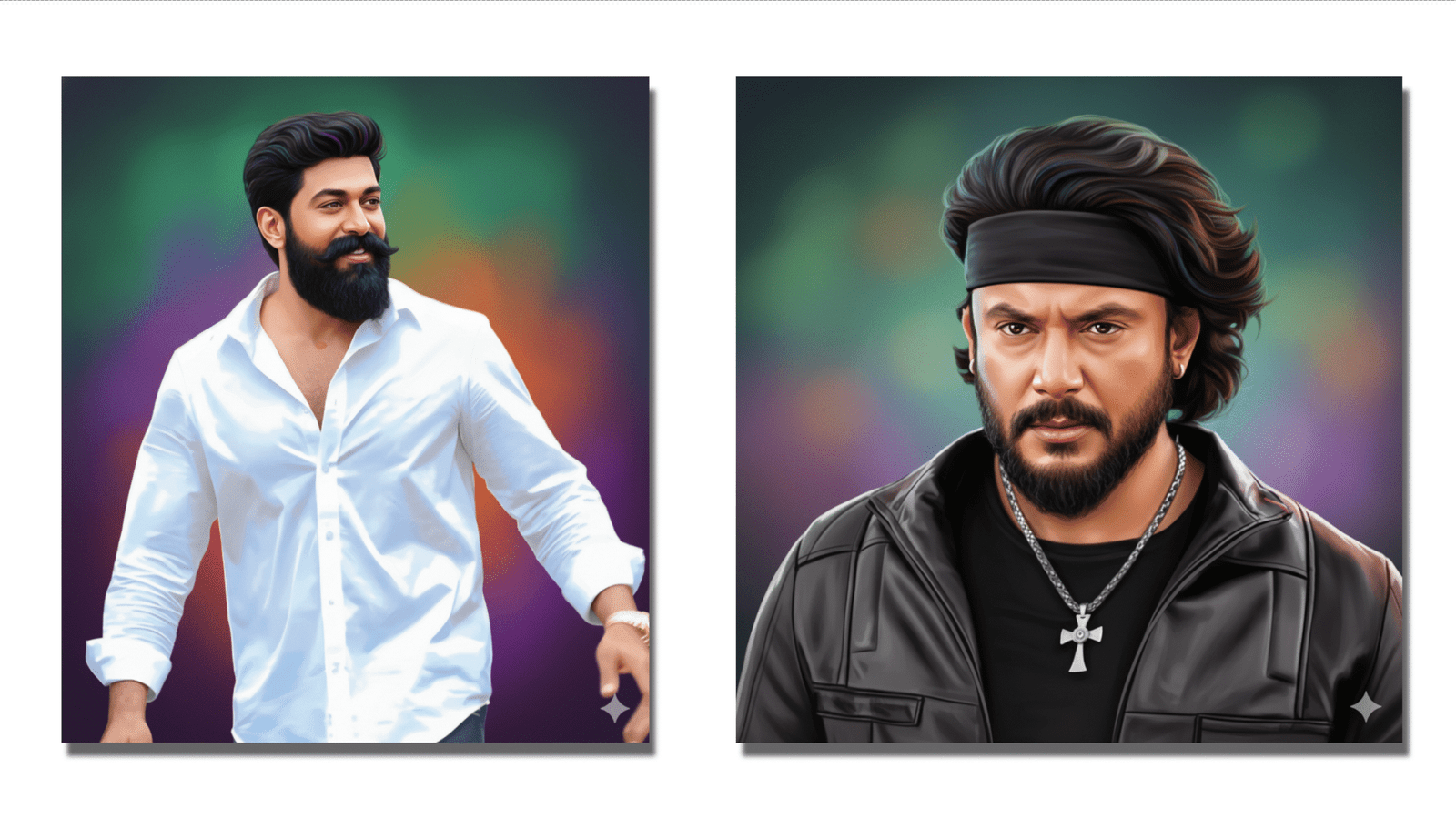
Google’s latest AI innovation, Google Gemini, is rapidly transforming the digital creative world, especially in the field of artistic photo editing. Among its trending features, Oil Paint Image Editing stands out as a favorite for creators, designers, influencers, and digital artists. This tool allows users to convert ordinary photos into beautiful, hand-painted oil art with stunning textures, natural lighting, and a realistic brush-stroke feel.
What Is Google Gemini Oil Paint Editing?
Google Gemini’s oil paint editing is an AI-driven feature that uses advanced multimodal models to analyze an image and recreate it in the style of traditional oil painting. Unlike regular filters that simply add a colored overlay, Gemini intelligently interprets elements such as shadows, highlights, strokes, and surface details. This results in an output that looks like it was painted by an expert artist on canvas.
Why Is It Trending?
The feature is trending across social media platforms for several reasons:
- Hyper-realistic Art Output: The depth and texture created by Gemini resemble real oil-on-canvas artworks, making photos look premium and expressive.
- Easy to Use: Even beginners with no editing experience can transform images within seconds.
- Perfect for Social Media: Many creators use Gemini oil-paint edits for profile pictures, posters, thumbnails, and digital art portfolios.
- High Customization: Users can adjust brush thickness, texture intensity, color richness, and lighting mood.
How Gemini Creates Oil Paint Art
Gemini’s oil paint transformation involves four AI layers:
- Image Recognition: Identifies faces, objects, background, emotions, and light sources.
- Artistic Mapping: Applies a virtual oil paint palette with colors matching the image tone.
- Brush Stroke Simulation: Adds strokes for canvas realism—smooth, rough, swirl, or layered.
- Texture Enhancement: Generates fine details like grain, depth, shadows, and blending marks.
This combination gives every output a premium artistic feel.
How to Create Oil Paint Images Using Google Gemini
Follow these simple steps to generate oil paint-style images:
- Open Google Gemini App or Web Version.
- Upload a Photo (portrait, landscape, product, pet, etc.).
- In the prompt box
- Select Style Variations (classic, vintage, modern, high-contrast, or textured).
- Click Generate.
- Preview the results and download the image in HD.
Popular Prompt Ideas
Here are some trending prompts for creators:
- “Highly detailed oil paint landscape with vibrant colors and visible brush strokes.”
- “Vintage oil painting style with warm tones and smooth canvas texture.”
Where People Use Gemini Oil Paint Edits
- Instagram Reels and DP
- YouTube thumbnails
- Digital posters and wallpapers
- Artistic gift prints
- Portfolio and branding visuals
Conclusion
Google Gemini’s oil paint image editing feature has become a creative trend because of its simplicity, artistic depth, and professional-quality output. Whether you’re an artist or just someone who wants to enhance your photos, Gemini makes it incredibly easy to turn ordinary images into eye-catching oil-paint masterpieces. With its smart AI capabilities and realistic textures, this tool is shaping the future of digital art and content creation.
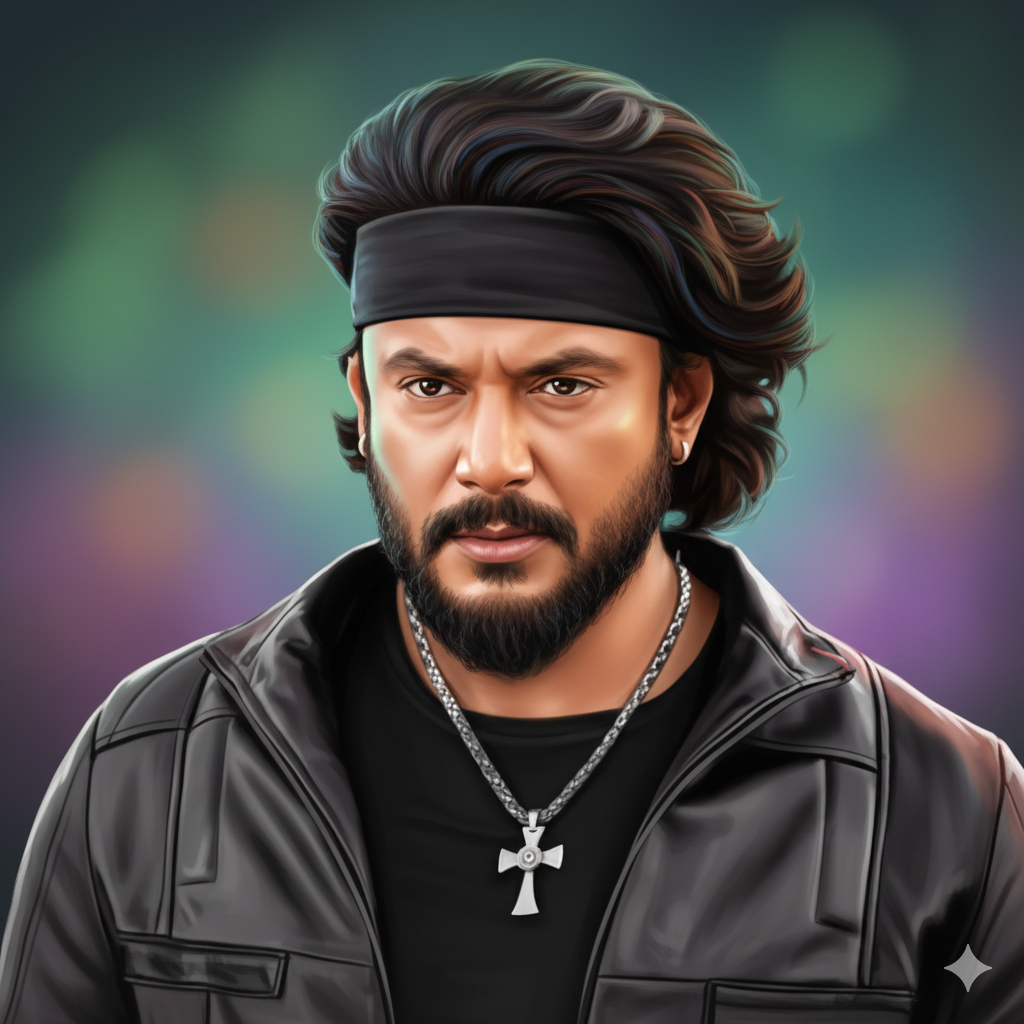
Generate a highly detailed digital portrait based on the uploaded photo with 100% face matching with same outfit has neatly styled, wavy black hair with subtle colorful highlights reflecting ambient light. His skin tone is warm brown with smooth shading and soft gradients that enhance depth and realism. Preserve full likeness and facial structure while enhancing features with sm, warm-toned skin, symmetrical detailing, and soft glow highlights on the forehead and cheeks. Apply a realistic yet polished illustration style with glossy skin texture, sharp, expressive eyes, and natural hair detail. Add cinematic soft lighting for depth. Create a vibrant, dreamy background with softly swirling gradient colours in green, purple and orange tones, slightly blurred to keep focus on the subject. Use studio portrait composition, centred framing, high resolution, refined brush strokes, realistic hair texture, and 8K ultra-quality artistic digital painting finish.