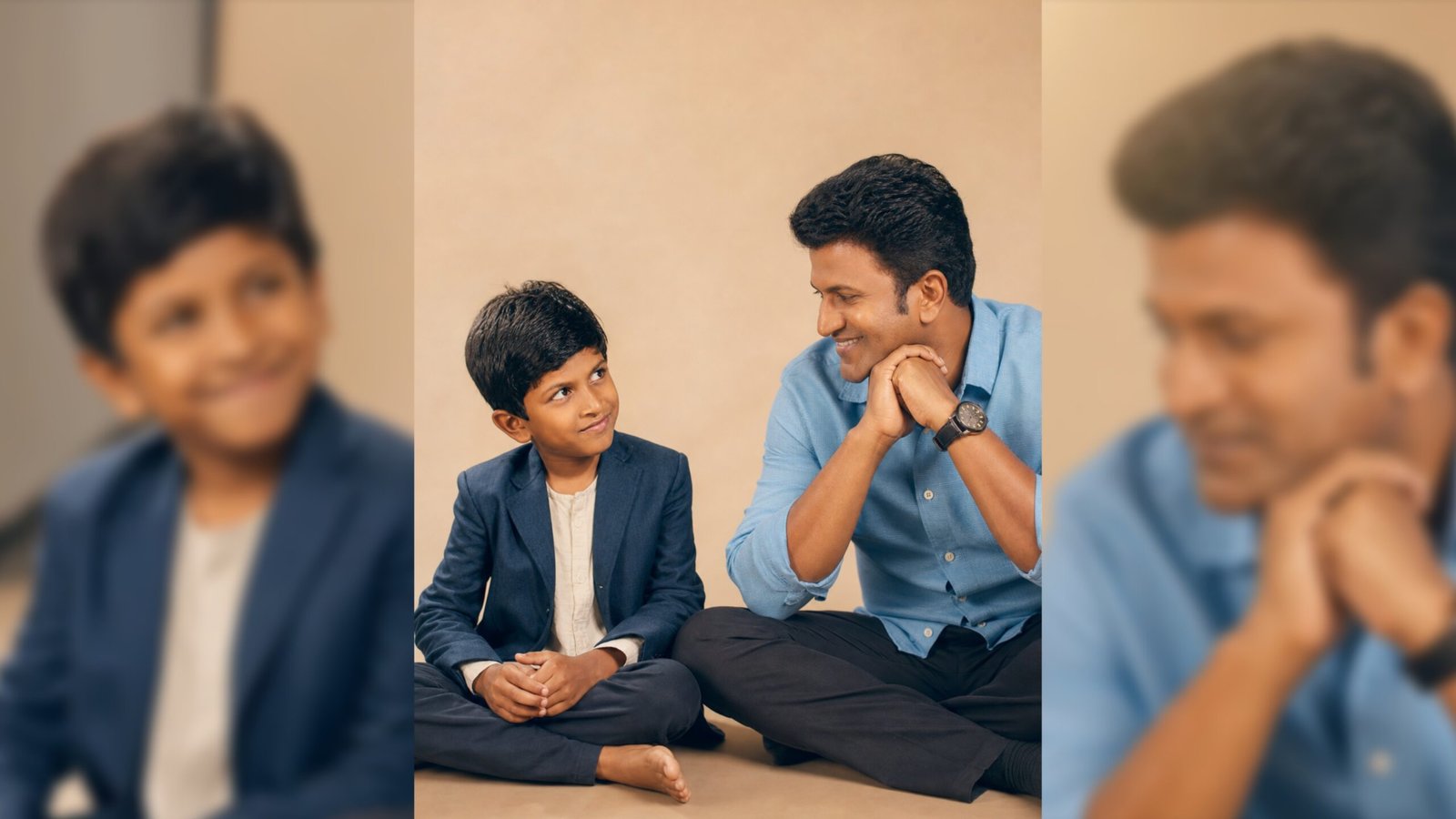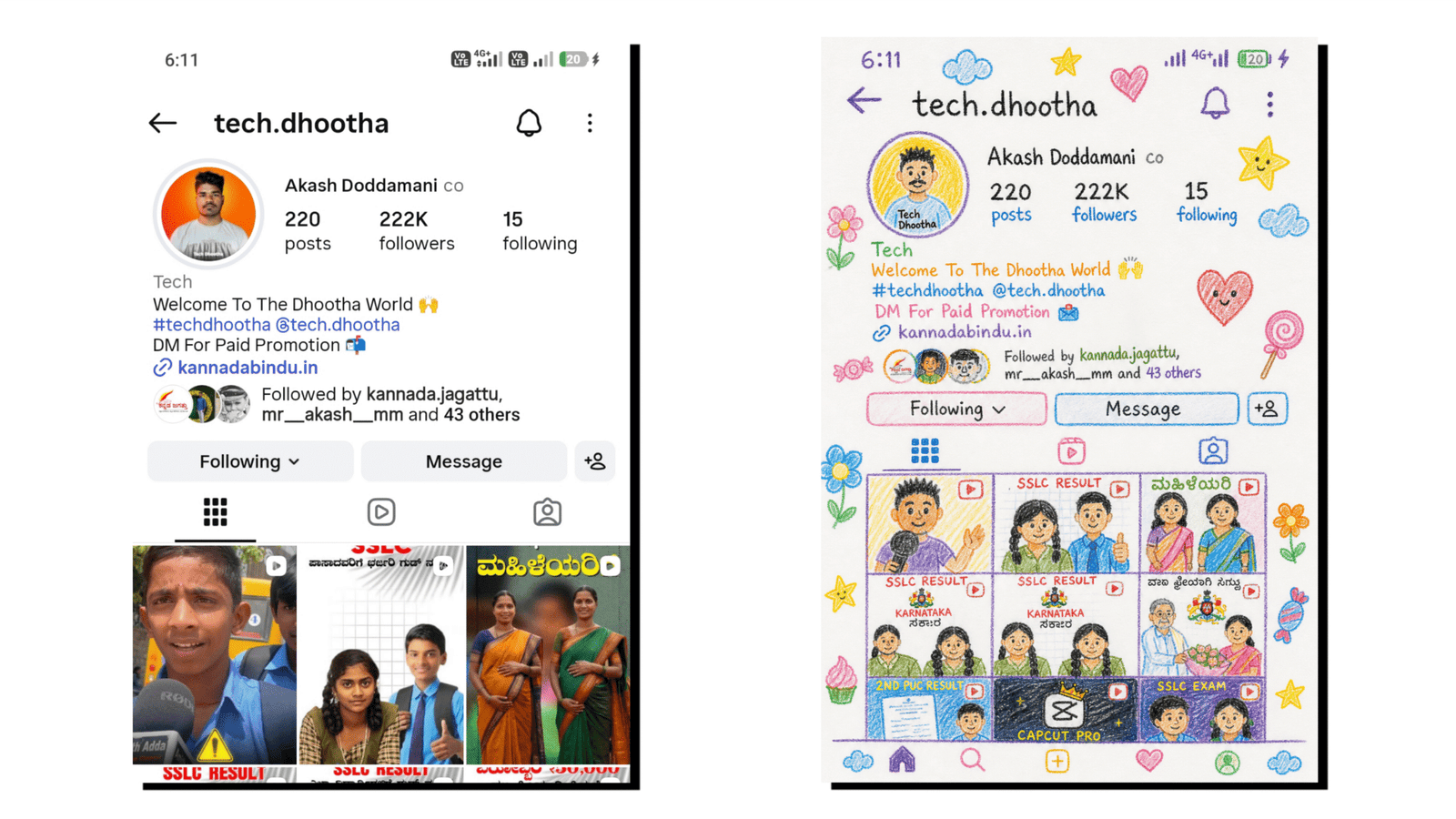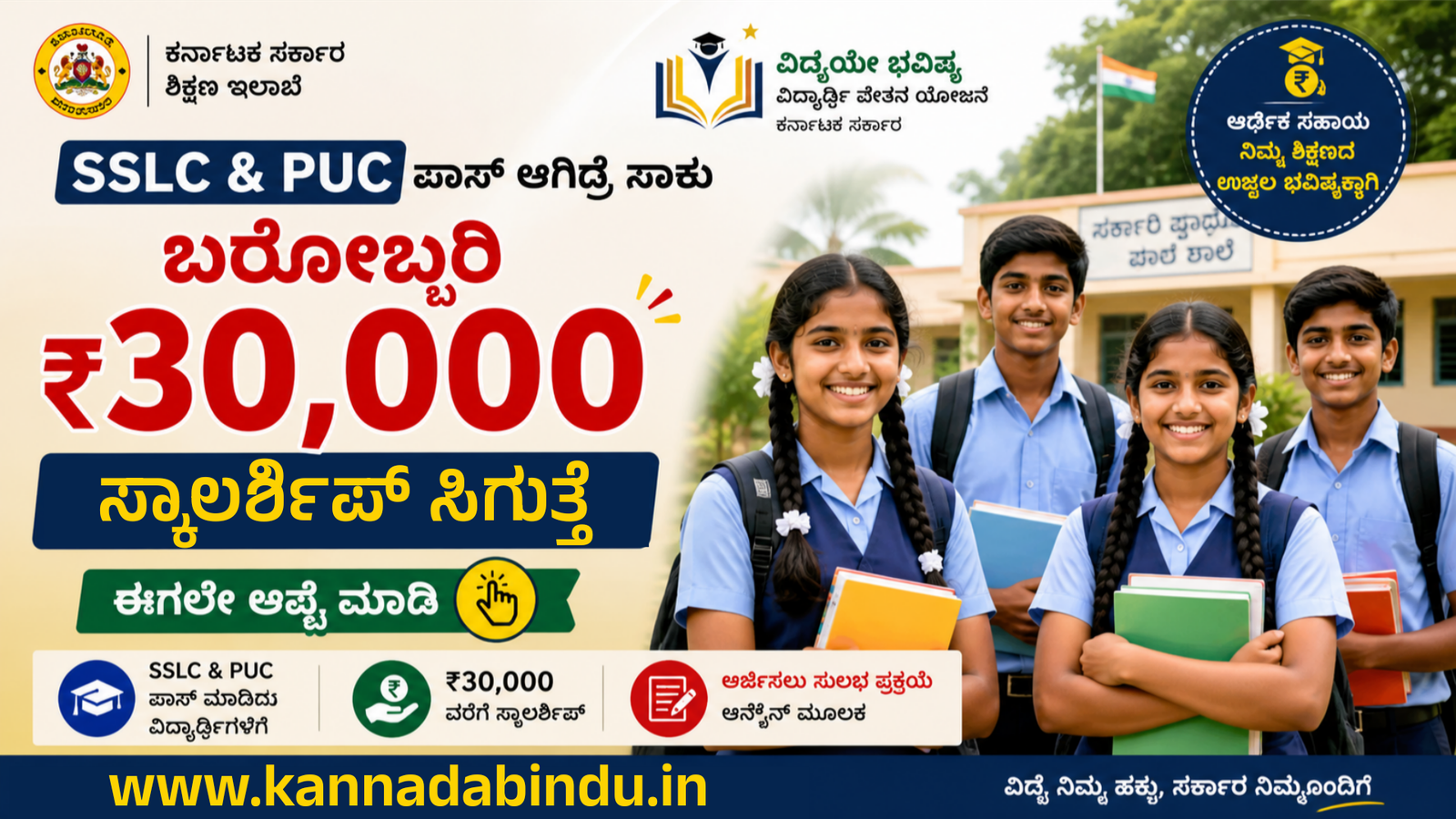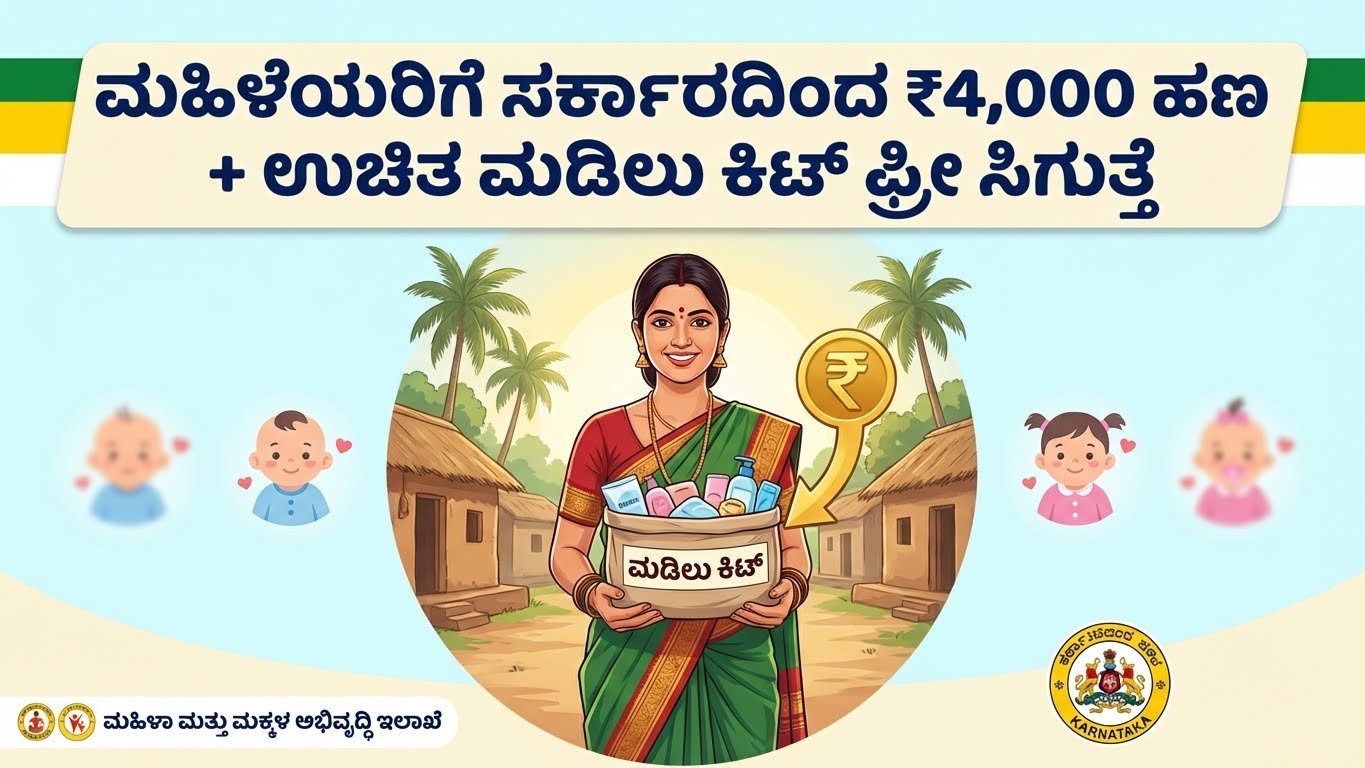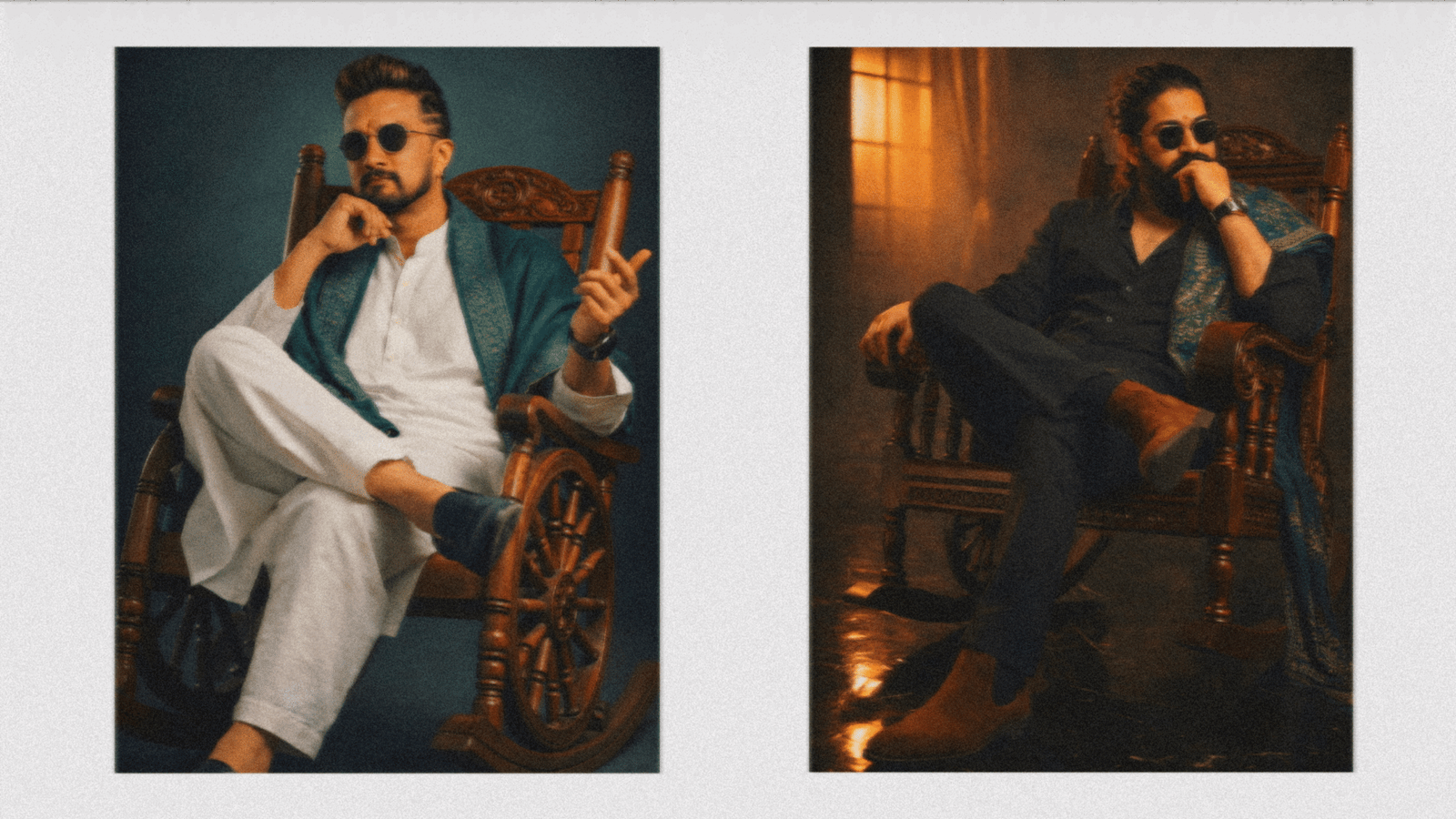
Artificial Intelligence image generation is becoming one of the biggest trends on social media. From cinematic portraits to festival posters and viral cartoon-style edits, AI tools like Google Gemini and ChatGPT make it easy for anyone to create stunning visuals using simple text prompts. If you want to create trending AI images that grab attention on Instagram, YouTube thumbnails, or WhatsApp status, this complete guide will help you step-by-step.
What Is AI Image Generation?
AI image generation is a technology that converts text descriptions (called prompts) into realistic or artistic images. Tools like Google Gemini and ChatGPT use advanced machine learning models to understand your words and transform them into high-quality visuals.
Instead of editing photos manually, you simply describe what you want — and the AI creates it within seconds.
Step 1: Choose the Right AI Tool
First, decide which platform you want to use:
- Google Gemini – Great for creative ideas and image generation with detailed prompts.
- ChatGPT – Ideal for generating AI images, refining prompts, and creating professional or cinematic visuals.
Both tools are available on mobile and desktop, making it easy to create images anytime.
Step 2: Understand What Makes a Prompt Powerful
The secret behind trending AI images is a well-written prompt. A prompt is simply a detailed instruction you give to the AI.
A strong prompt includes:
- Subject (Who or what is in the image?)
- Style (Realistic, cartoon, anime, cinematic, 3D, etc.)
- Background (City, forest, festival, beach, space, etc.)
- Lighting (Golden hour, neon glow, dramatic lighting)
- Camera angle (Close-up, wide shot, portrait)
- Quality keywords (4K, ultra HD, high detail)
The more specific your description, the better your result.
Step 3: Follow Trending Styles
If you want viral content, try these popular styles:
- AI couple wedding photos
- Studio-style professional portraits
- Festival edits (Holi, Diwali, Eid themes)
- Cartoon or Pixar-style characters
- Superhero or fantasy themes
- AI business profile pictures
Trending images usually have:
- Bright colors
- Sharp details
- Emotional expressions
- Cinematic lighting
Observe social media trends and recreate similar ideas with your own unique prompt.
Step 4: Improve Your Prompt for Better Results
Sometimes the first result may not be perfect. You can improve it by:
- Adding more detail (facial expression, outfit color, background mood)
- Changing lighting effects
- Mentioning camera lens type (50mm portrait lens, DSLR quality)
- Specifying realistic skin texture or depth of field
For example:
“Create a realistic studio portrait of a businessman wearing a black suit, soft lighting, blurred background, DSLR camera effect, ultra realistic, 8K resolution.”
Refining prompts helps you get professional-looking images.
Step 5: Edit and Download
After generating the image:
- Review the details carefully.
- Regenerate if needed.
- Download in high quality.
- Use editing apps like CapCut or Canva for final touches.
You can add text, filters, or effects to make the image more attractive for social media posts.
Final Tips for Viral AI Images
- Keep prompts clear and detailed.
- Follow current social media trends.
- Experiment with different styles.
- Use emotional or cinematic themes.
- Always create unique content instead of copying others.
Conclusion
Creating trending AI images with Google Gemini or ChatGPT is simple if you understand how prompts work. The key is creativity, clarity, and experimentation. With the right prompt and style, you can generate eye-catching, professional-quality images in seconds.
Start experimenting today and turn your ideas into viral AI masterpieces!