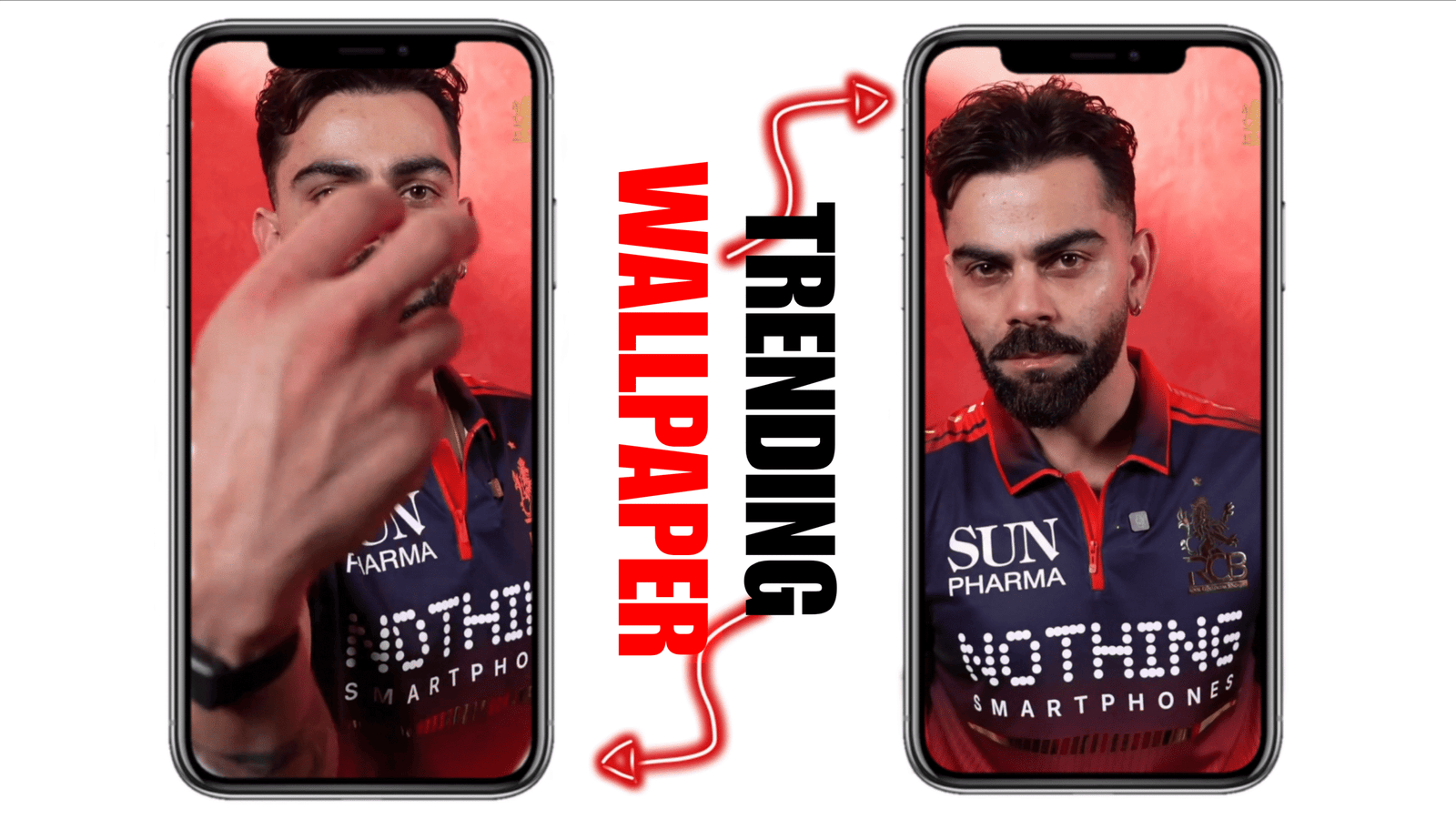
Personalizing your Android smartphone has become more creative than ever in 2026, and one of the most exciting trends is using live video wallpapers. Instead of static images, you can now set your favorite videos—memories, cinematic clips, or aesthetic loops—as your home screen or lock screen background. This gives your device a dynamic and modern look. In this guide, you will learn how to set a live video wallpaper on your Android phone in a simple and effective way.
What is a Live Video Wallpaper?
A live video wallpaper is a moving background created using a video file instead of a still image. It can be a short clip, animation, or looped video that plays continuously on your screen. Many users prefer this because it adds life and personality to their devices.
Method 1: Using Built-in Features (If Available)
Some Android smartphones in 2026, especially premium models, come with built-in live wallpaper support. To check this:
- Go to Settings
- Tap on Wallpaper & Style
- Select Live Wallpapers
- Choose a pre-installed video wallpaper or add your own (if supported)
- Tap Apply and select Home Screen or Lock Screen
If your phone supports custom video wallpapers, you can directly upload a video from your gallery.
Method 2: Using Third-Party Apps
If your phone does not support video wallpapers natively, you can use trusted third-party apps. Here are some popular options:
- Video Live Wallpaper Maker
- KLWP Live Wallpaper Maker
- Walloop Engine
Steps to Set Video Wallpaper Using an App:
- Download a video wallpaper app from the Play Store
- Open the app and grant necessary permissions
- Select a video from your gallery
- Adjust settings like sound, loop, and fit
- Tap Set as Wallpaper
These apps are user-friendly and allow customization like trimming video length or muting audio.
Tips for Best Performance
- Use short videos: Long videos may slow down your phone or drain battery
- Choose HD but optimized files: High-quality videos look better but should be compressed
- Mute audio: Most users prefer silent wallpapers to avoid disturbance
- Enable battery optimization: Some apps provide low-power modes
Things to Keep in Mind
If you notice faster battery drain, consider using shorter clips or lowering resolution. Also, older Android devices may not support smooth playback.
Creative Ideas for Video Wallpapers
- Nature scenes like waterfalls or sunsets
- Personal memories or travel clips
- Minimal aesthetic animations
- Gaming or anime loops
- Motivational clips
Final Thoughts
Setting a live video wallpaper on your Android device in 2026 is easier than ever. Whether you use built-in features or third-party apps, the process is simple and customizable. It’s a great way to make your phone feel unique and visually appealing. Just remember to balance performance and style for the best experience. With the right video and settings, your smartphone can truly stand out.